Postpay Safaricom Paybill Number: A Guide for 2026
Find the Postpay Safaricom Paybill Number (200200) and learn how to pay. Plus, a guide for ISPs on automating M-Pesa payments with Centipid billing.

Your Safaricom PostPay reminder lands, you check the balance, and the immediate question is simple. What is the correct paybill, and what exactly should go into the account field so the money lands in the right place?
Many people make avoidable mistakes there. The payment itself is easy. The confusion starts with account references, bundle purchases, and what happens after you pay.
For ISP operators, there is another lesson hidden inside this same workflow. Safaricom’s postpaid collection model is clean because it centralises payment, keeps the customer steps short, and makes reconciliation predictable. That is the same operational discipline many growing providers need. If you run a hotspot network, PPPoE service, or a small WISP, the process behind the postpay safaricom paybill number is worth studying because it shows what customers adopt quickly and what finance teams can support without chaos.
Navigating Your Safaricom Postpay Bill
Most customers need one thing when the bill arrives. A reliable way to pay without guessing.
Safaricom PostPay uses a centralised payment route through M-PESA. For the customer, that means fewer steps and less room for error. For an operator looking at payment operations, it shows why a single payment path works better than scattered options that force manual follow-up.
A monthly bill is not just a payment event. It is also a service continuity event. If the payment reference is wrong, the money may leave your wallet but fail to settle the correct account. That is why the account field matters just as much as the paybill number.
Two audiences deal with this process every day:
PostPay customers who want the official payment method and the correct input format.
ISP owners and network administrators who want to reduce payment confusion in their own billing flow.
Hotspot and fixed wireless operators who need cleaner reconciliation than screenshots, spreadsheets, and manual checks.
If you are in the second group, the operational logic is similar to what many providers look for in a billing platform built for Kenyan ISPs. Customers pay faster when instructions are short, consistent, and easy to repeat.
The strongest payment systems remove choices that create mistakes. One paybill, one clear account rule, one confirmation path.
Using the Official Safaricom Postpay Paybill Number
The official postpay safaricom paybill number is 200200.
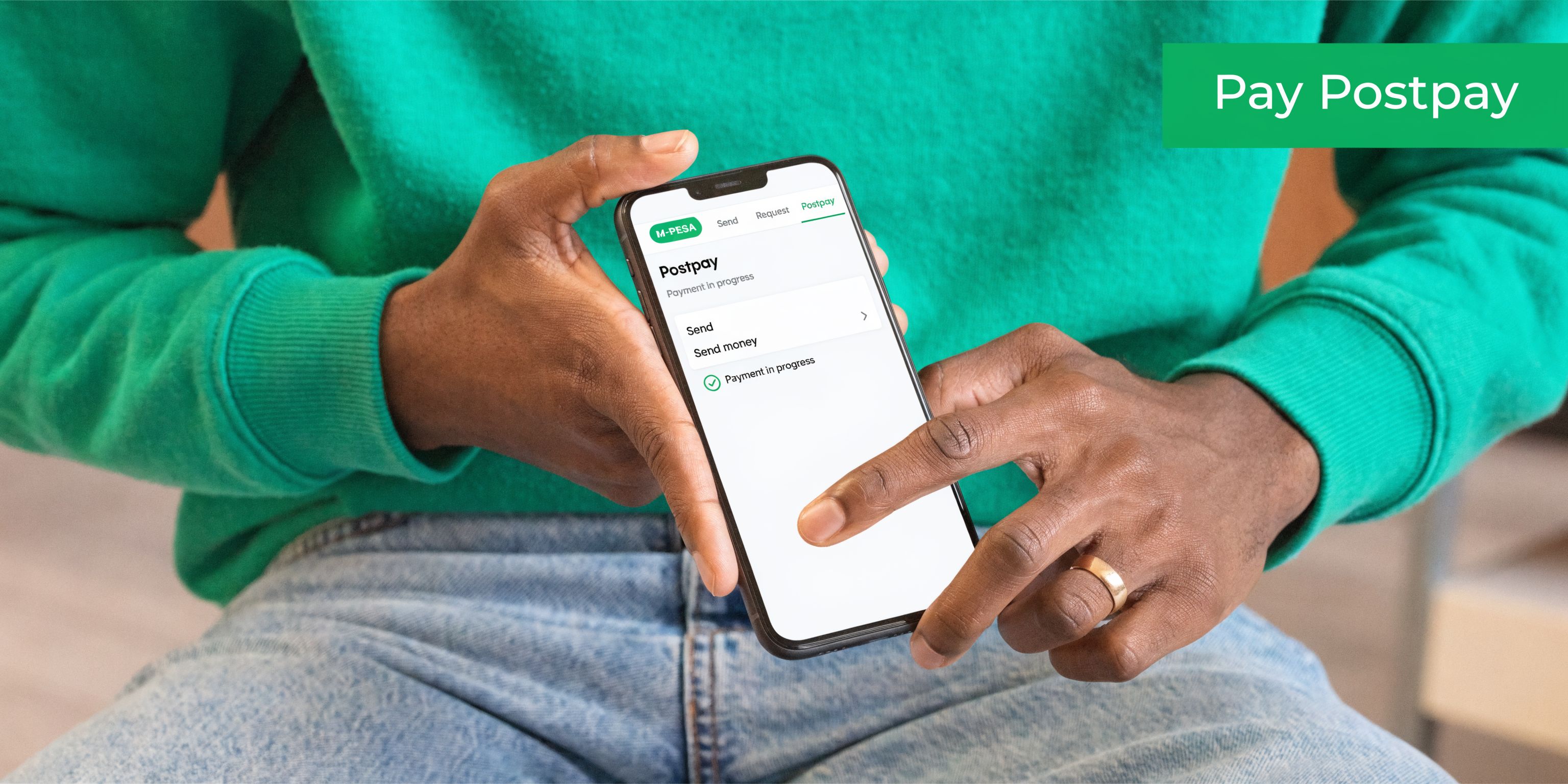
Safaricom PostPay subscribers use this as the central payment channel for monthly bills and eligible bundle purchases, as outlined in this Safaricom PostPay payment guide.
Business Number: 200200 Account for voice PostPay: your mobile number Account for fixed data PostPay: your customer number
Paying from your phone
If you are paying through M-PESA, use this sequence:
Open M-PESA
Select Lipa na M-PESA
Choose Pay Bill
Enter Business No. 200200
Enter the correct account number
Input the amount
Confirm details and enter your PIN
The critical step is the account reference. For a standard mobile PostPay line, use your mobile number. For fixed data services, use the customer number tied to that service. If you swap those two, reconciliation becomes harder and payment support takes longer.
What the payment can cover
This channel is not limited to monthly bill settlement. It can also be used for some one-time PostPay bundle purchases.
Examples listed in the same guide include:
Bundle option | What it includes |
|---|---|
Ksh 1,000 | 400 minutes, 5GB data, 1,000 SMS, and free 2GB YouTube/WhatsApp |
Ksh 2,000 | 1,000 minutes, 15GB data, 2,000 SMS, and free 2GB YouTube/WhatsApp |
That matters because many customers assume postpaid billing and postpaid bundles follow separate payment logic. In practice, the payment path stays familiar. Only the amount and account reference need close attention.
A sample January 2023 statement cited in the same source showed an outstanding bill of Ksh 1,466.63, with this month’s bill at Ksh 0.00, leaving the total payable at Ksh 1,466.63. That is a good reminder that your current month and your outstanding balance may not be the same thing.
A quick visual walk-through helps if you are paying for the first time or helping a staff member do it correctly:
A detail many users miss
Safaricom also ties this ecosystem to Bonga Points redemption. The verified process is to dial *126#, select Lipa na Bonga (option 2), enter 200200, then amount and PIN, according to the same Tuko reference above.
If you are settling a bill in a hurry, double-check the account field before entering your PIN. Most payment problems start there, not at the paybill number itself.
Confirming Payments and Handling Partial Bills
Paying is one step. Knowing what changed on your account is the harder part.
Many basic guides stop at “send the money and wait for the confirmation SMS.” That advice is incomplete, especially if you did not clear the whole balance.
What to check after paying
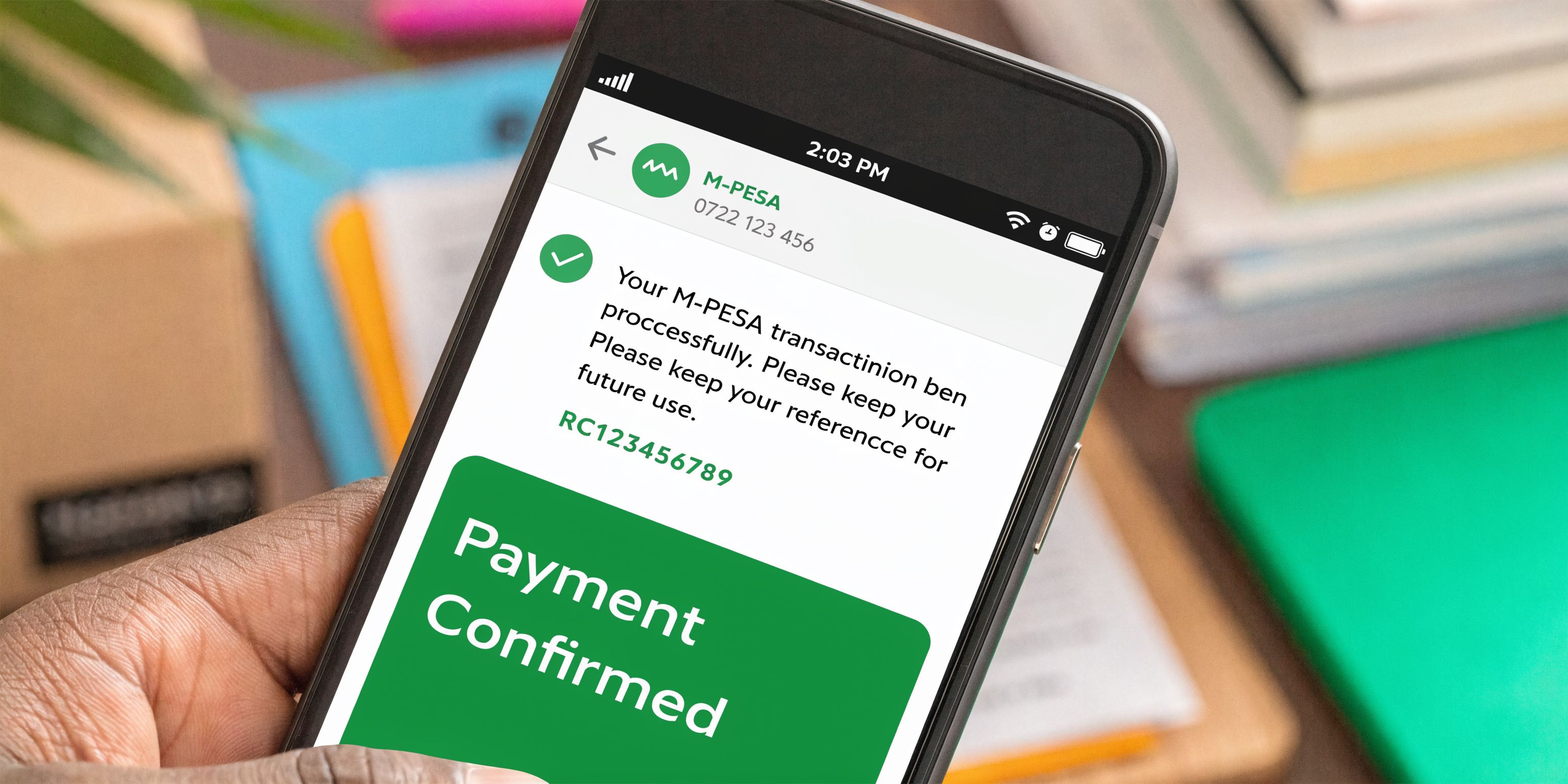
Start with the obvious. Keep the M-PESA confirmation message until your PostPay account reflects the payment.
Then verify the practical outcome:
Balance status: Check whether the outstanding amount has reduced.
Service status: Confirm whether calls, data, or account access behave normally.
Reference accuracy: If there is a mismatch, confirm that you used the right phone number or customer number.
Support trail: Keep the transaction code ready before contacting support.
A common mistake is assuming the payment confirmation alone means the billing issue is resolved. It only proves the transaction was sent. It does not answer how Safaricom applied the amount inside the account.
The partial payment problem
The partial payment problem. At this point, real confusion starts. Existing guidance leaves a visible gap on partial payments and their impact on overdue balances and credit limits. A cited sample statement shows an overdue amount of Ksh 4,645.16 marked Payable Immediately while the current outstanding is Ksh 0.00, yet the practical handling of a partial amount remains unclear in public guidance, as described in this statement-based discussion of PostPay partial payment questions.
That same source notes repeated user questions such as whether a partial PostPay payment stops suspension and how quickly the credit limit updates. It also notes pressure on subscribers from 7.2% inflation and says the PostPay subscriber base grew 15% year on year to over 1.2 million by Q1 2025.
The practical conclusion is straightforward. Do not assume a partial payment will restore full account normalcy immediately, or at all. Treat it as risk reduction, not guaranteed resolution.
If you cannot clear the full bill, pay what you can, keep the confirmation, and then verify account status directly. Partial payment is better than silence, but it is not the same as settlement.
A safer way to manage uncertainty
If you are paying less than the total due, take these precautions:
Check the overdue portion first: If your statement separates overdue and current charges, note both before paying.
Keep payment evidence: Screenshot the confirmation and save the transaction code.
Monitor credit behaviour: Watch whether your usable limit changes after the payment.
Escalate with specifics: Ask support how the amount was applied, especially if service restrictions remain.
For operators handling customer billing, this is why clear payment allocation rules matter. If users have to guess how a partial payment affects service, the collection system is doing half the job. This is also why many providers look for more structured workflows when they manage ISP customers and billing.
A Payment Model for ISPs Using Centipid Automation
Safaricom’s PostPay payment flow works because the customer side is simple. One paybill. One familiar path. One standard reference rule.
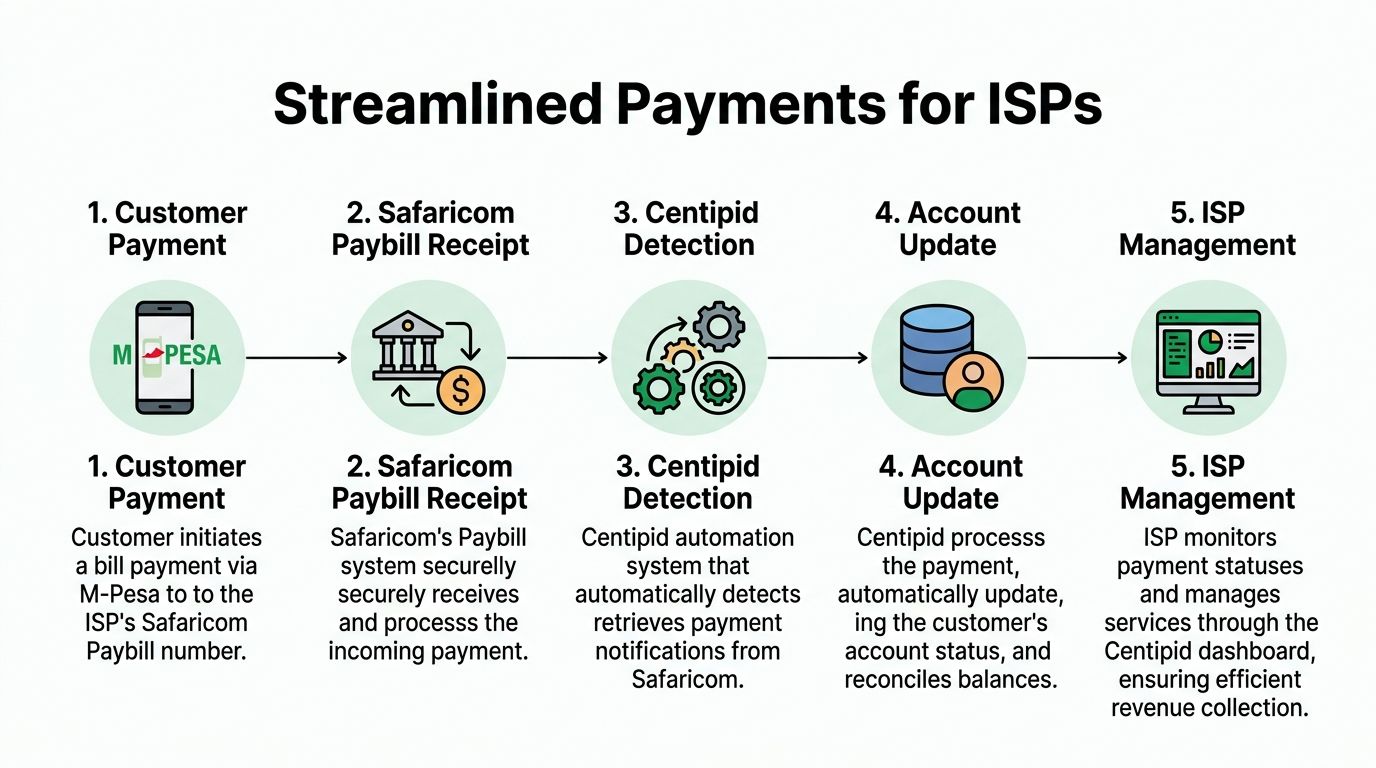
What breaks for many ISPs is everything behind that. The customer pays, then someone on the operations side checks messages, updates a spreadsheet, reactivates service, and answers “Have you received my payment?” all day.
Where manual collections fail
The data is blunt. KE’s 5,000+ small ISPs include many operators that still struggle with manual collections. 40% struggle with manual PostPay collections, and that leads to 22% revenue leakage. The same data says Centipid’s multi-gateway support, which integrates with MikroTik v7, can reduce dunning by 35% by automating M-PESA invoicing and reconciliation, as cited in this video-based source on ISP billing pain points and automation outcomes.
Those numbers match what operations teams see on the ground. Manual payment handling creates four recurring problems:
Late account updates: A paid customer remains disconnected because no one reconciled the payment promptly.
Weak audit trails: You can see the money arrived, but not which invoice it cleared without extra checking.
Support load: Finance and customer care keep answering the same payment-status questions.
Inconsistent enforcement: One customer is restored quickly, another waits because a staff member missed the message.
What a stronger model looks like
A better design copies the discipline of the consumer telco model, not just the payment channel.
That means:
Operational need | Manual method | Automated method |
|---|---|---|
Payment intake | Staff checks messages | Gateway event is captured automatically |
Invoice matching | Human reconciliation | System maps payment to the customer account |
Service action | Manual reconnection | Payment status triggers policy change |
Reporting | Spreadsheet follow-up | Dashboard visibility in one place |
For operators comparing tools, it helps to understand the wider category of invoice automation software because the billing problem is bigger than just receiving money. The core issue is how payments flow into invoices, account status, and service delivery without extra human handling.
Why this matters in MikroTik environments
In a MikroTik setup, billing delays become network problems. A subscriber who has paid but is still blocked calls support first. A subscriber who has not paid but remains active becomes a finance problem.
That is why automation needs to connect billing logic with RouterOS policy logic. For ISP operators evaluating M-PESA workflows, the practical direction is centralised invoicing, gateway capture, reconciliation, and service automation through a system built for that environment, such as the approach discussed in this guide to ISP billing with M-PESA mobile money integration.
The best collection process is not the one that receives money. It is the one that updates the right account and applies the right service state without staff intervention.
Configuring M-Pesa Paybill Payments in Centipid
Most billing issues in small ISP operations do not come from lack of demand. They come from loose setup. If the payment gateway, invoice logic, and service control are configured separately, the team spends its time repairing routine transactions.
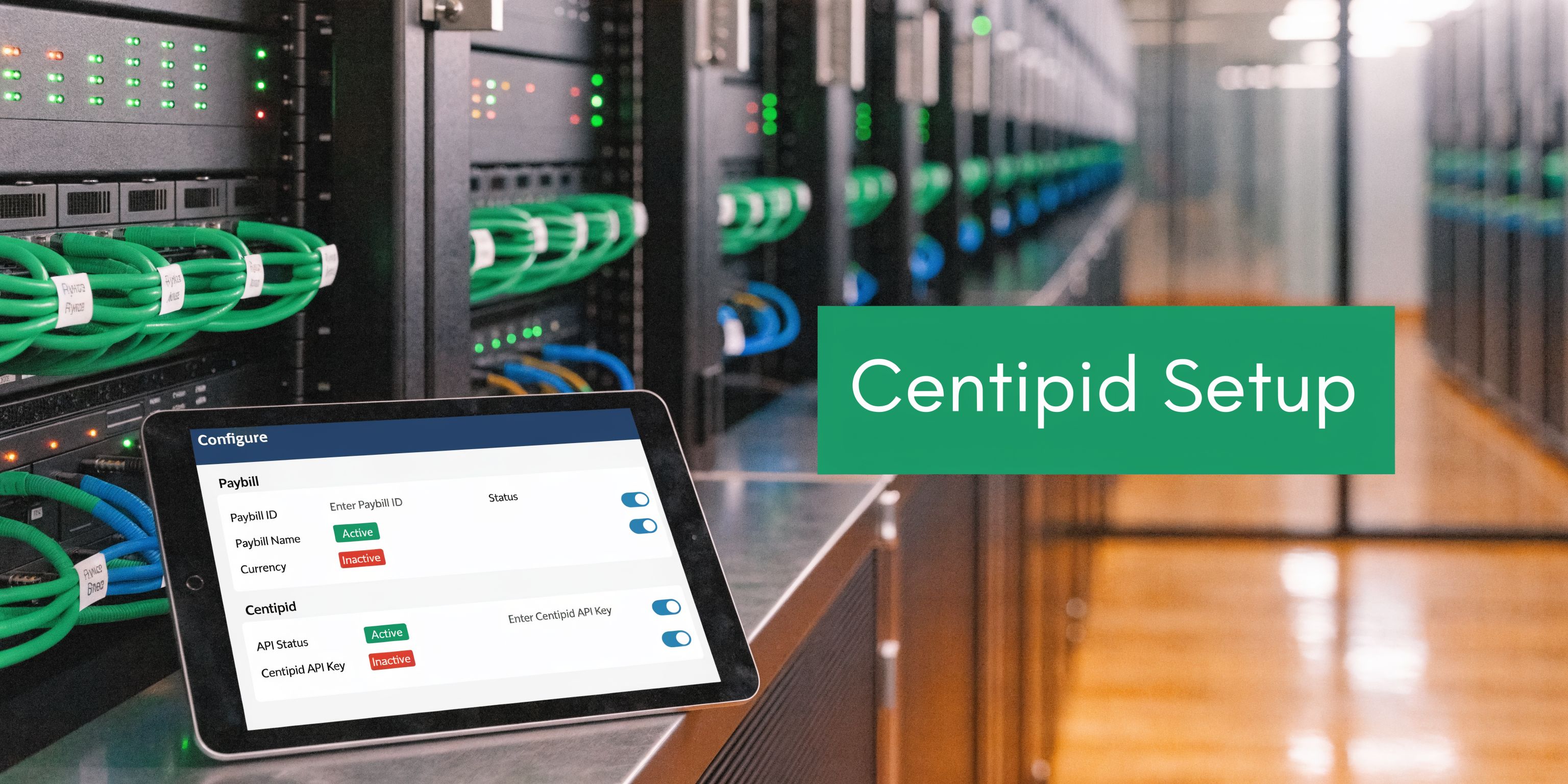
Start with the gateway settings
In Centipid, the cleanest approach is to configure your M-PESA Paybill or Till as a formal payment gateway, not as an informal collection channel that staff monitor manually. The product documentation at docs.centipidbilling.com should be your first reference point for the exact fields and current workflow.
At setup stage, focus on three things:
Gateway identity: Enter the correct Paybill or Till details used by your business.
Callback handling: Enable automated payment confirmations so the system receives transaction notices.
Reference structure: Standardise what your customers use as the account reference, such as username, phone number, or customer ID.
If you let customers type anything into the account field, reconciliation quickly becomes messy. The shortest path is usually the best one. Use one fixed rule and repeat it everywhere, including invoices, reminders, and customer onboarding.
Tie payment to invoice status
The next layer is invoice behaviour. A payment gateway without invoice logic still leaves work for your team.
A sound configuration usually includes:
Invoice creation: Generate recurring invoices before the due period.
Payment matching: Map incoming M-PESA transactions to the correct subscriber record.
Status update: Mark the invoice paid automatically when the amount is received and matched.
Service action: Trigger renewal or restoration once the billing condition is met. This offers operators a significant practical benefit.
For teams setting up self-service billing flows, the ideas around customer-facing payment collection are also relevant in this walkthrough of the Lipa na M-PESA portal.
Good billing setup is not just a finance task. It is a service-delivery task because payment status decides who should be online.
Connect billing logic to MikroTik service control
Centipid is built for MikroTik RouterOS v7 environments, so the value appears when billing and access rules work together.
For PPPoE subscribers, payment status can determine whether the account stays active, renews, or falls into a restricted state. For hotspot users, the same logic can control voucher access, package duration, and service continuity across sites.
A practical setup checklist looks like this:
For PPPoE accounts: Ensure subscriber identity in billing matches the identity used on the router side.
For hotspot deployments: Align package names and expiry rules between billing and access control.
For multi-location operators: Keep one central dashboard so support staff do not reconcile branch payments in separate silos.
For dunning workflows: Use automated reminders before staff resort to manual follow-up.
The operations gain is simple. Your team stops chasing proof of payment and starts managing exceptions only. That is the shift small ISPs need when they move from owner-led collections to organised recurring billing.
Streamline Your Payments Today
For Safaricom customers, the practical answer is simple. Use Paybill 200200, enter the correct account reference, and keep the confirmation until the account reflects the payment.
For ISPs, the lesson is bigger than one paybill. Centralised collection becomes efficient when reconciliation and service control are automated. Manual billing can work for a while, but it fails once subscriber numbers, locations, and support demands grow.
The operators that scale cleanly are the ones that treat payments as a system, not a daily fire drill.
Centipid Technologies Ltd. helps ISPs, hotspot operators, and network teams automate billing, payments, and service control in one platform. If you want a cleaner M-PESA collection workflow with MikroTik integration, recurring invoicing, and less manual reconciliation, explore Centipid Technologies Ltd..