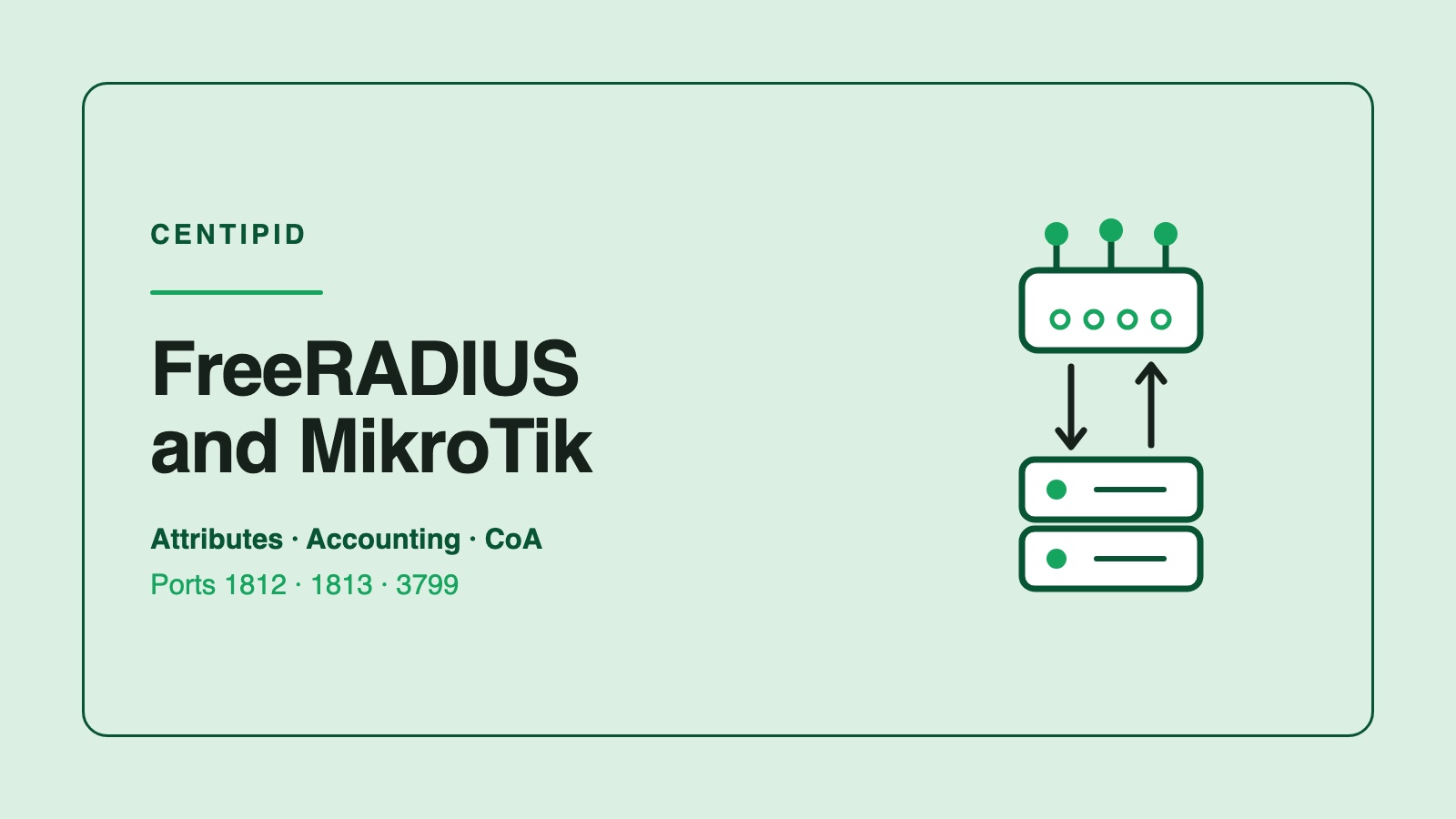
FreeRADIUS and MikroTik are two halves of one decision: is this subscriber allowed on, and on what terms. RouterOS asks, FreeRADIUS answers, and the whole relationship is a handful of UDP packets on ports 1812 and 1813. Once you know which packets carry what, most MikroTik RADIUS problems stop being mysterious.
This is the wire-level view. If you want the build-it-from-scratch walkthrough instead, the MikroTik RADIUS server guide covers installation and first login.
Which side is which
FreeRADIUS is the server: it holds the subscriber database and decides. The MikroTik router is the client, or in RADIUS terms the NAS (Network Access Server). It never decides anything itself: it forwards a login and enforces whatever comes back.
Two configuration facts have to agree, and nothing works until they do:
- FreeRADIUS must have the router listed in
clients.confwith its IP and a shared secret. A request from an unlisted address is dropped with a log line and no reply. - The router must have the server under
/radiuswith the same secret, the rightservice=flags (ppp,hotspot,login), and accounting enabled.
The secret is not sent over the wire, so a mismatch does not produce a clean "wrong password" error. The router just times out, and the subscriber sees a login that hangs.
The four packets that matter
Everything below is a real exchange for one PPPoE or hotspot subscriber.
1. Access-Request. The router sends the username, the password (hashed with the shared secret), and context: NAS-IP-Address, NAS-Port-Id, Called-Station-Id, Calling-Station-Id (the subscriber's MAC), Service-Type. FreeRADIUS matches the user and either accepts or rejects.
2. Access-Accept. This is the interesting one. It is not just "yes". It is a list of attributes describing the session, and RouterOS applies each one it understands. Speed, IP address, timeouts and firewall group all ride in here.
3. Accounting-Start, Interim-Update, Stop. Sent to port 1813 once the session is up. Interim updates carry the running byte counters. The Stop carries the final ones and the disconnect reason. This is the stream your billing works from.
4. Disconnect-Request. Sent the other way, server to router, on port 3799, to end a live session. This is how a suspension takes effect immediately instead of at the subscriber's next reconnect.
What RouterOS does with an Access-Accept
Standard RADIUS attributes cover the basics; MikroTik's own vendor attributes (vendor ID 14988) cover the RouterOS-specific parts. You need MikroTik's dictionary on the FreeRADIUS side, and modern packages ship dictionary.mikrotik already.
| Attribute | What the router does with it |
|---|---|
Framed-IP-Address |
Pins a fixed IP on the session |
Framed-Pool |
Takes the address from a named pool on the router |
Framed-Route |
Adds a route to a subnet behind the subscriber |
Session-Timeout |
Ends the session after N seconds, which is how a timed voucher expires |
Idle-Timeout |
Ends the session after inactivity |
Acct-Interim-Interval |
How often the router reports usage |
Mikrotik-Rate-Limit |
The speed profile for this session |
Mikrotik-Address-List |
Drops the session's address into a firewall address list |
Mikrotik-Group |
Puts the session on a named PPP or hotspot profile already on the router |
Mikrotik-Total-Limit |
A data cap in bytes for a hotspot session |
Mikrotik-Rate-Limit, the one everyone gets backwards
The format starts simple and extends:
rx-rate[/tx-rate] [rx-burst-rate/tx-burst-rate] [rx-burst-threshold/tx-burst-threshold] [rx-burst-time/tx-burst-time] [priority] [rx-rate-min/tx-rate-min]
rx is what the router receives, the subscriber's upload. tx is what it transmits, the download. So 5M/20M is a 5 Mbps up, 20 Mbps down plan, not the other way round. A whole afternoon can go into a "the speed test is backwards" ticket that is really one attribute read in the wrong direction.
Send the rate with the Access-Accept rather than setting it in a local queue, and the plan lives in one place: the subscriber record. Change the package, and the next login carries the new speed with no router edit.
Accounting is the half that bills
Authentication decides who gets in. Accounting decides what they owe and whether they are still online, and it is the part that quietly goes wrong.
The counters arrive as Acct-Input-Octets and Acct-Output-Octets, both 32-bit. They roll over every 4 GiB. The overflow count lands in Acct-Input-Gigawords and Acct-Output-Gigawords, and a billing system that ignores those undercounts every subscriber who moves real traffic. The real figure is gigawords * 2^32 + octets.
Two more habits keep the session table honest:
- Set an interim interval (five to fifteen minutes is normal). Without it, a session that started yesterday reports nothing until it ends, so your dashboard cannot tell live from stale.
- Sweep ghost sessions. If a router reboots or loses its uplink mid-session, the Accounting-Stop never arrives and the session stays open forever in your database. Close anything that has not sent an interim update in twice the interval. That is the only reliable signal the router is gone.
Acct-Session-Id ties the Start, the updates and the Stop together. Store it: it is also the handle you use to disconnect that exact session later.
Cutting someone off without waiting for their next login
By default a suspension only bites when the subscriber reconnects, which for a PPPoE session that has been up for three weeks means never. RouterOS will listen for incoming RADIUS packets once you enable it:
/radius incoming set accept=yes port=3799
Then a Disconnect-Request naming the Acct-Session-Id (or the User-Name) drops that session immediately. The next login attempt hits FreeRADIUS, gets an Access-Reject or a walled-garden profile, and the subscriber is genuinely suspended.
Change of Authorization (changing a live session's attributes without disconnecting it) is the more elegant option, but RouterOS support for it is narrower than for plain disconnect. For plan upgrades, disconnect-and-reconnect is the approach that works on every RouterOS version you will meet in the field: it costs the subscriber about five seconds and it always applies the new rate.
Where the pair breaks
In rough order of how often each one is the actual cause:
- Shared secret mismatch. Silent. The router retries and times out; FreeRADIUS may log a malformed packet. Retype both ends rather than comparing them by eye.
- Wrong source address. The router has several interfaces and answers from one FreeRADIUS does not know. Pin it with
/radius set src-address=<the IP in clients.conf>. use-radiusnot set. The PPP profile or the hotspot server profile still authenticates locally, so your RADIUS server never sees the login at all.- Timeout too short. The RouterOS default is 300ms. Fine on a LAN, marginal over a WAN or a VPN to a cloud server. Raise it to a second or two before you start blaming the server.
- Accounting off. Authentication works perfectly, subscribers connect, and no usage is ever recorded. Check
service=includes accounting and that port 1813 is open, not just 1812. - Firewall between the two. Both 1812 and 1813 outbound from the router, and 3799 inbound to it if you want disconnects.
When you are stuck, run FreeRADIUS in the foreground with radiusd -X and watch a single login go past. On the router, /radius monitor 0 shows request and timeout counters climbing, which distinguishes "the packets are not arriving" from "the answer is no".
Running your own, honestly
FreeRADIUS costs nothing and handles far more subscribers than most operators will ever have. The cost is elsewhere:
- A SQL backend, its schema, its backups, and its growth:
radacctgets large quickly. - A second server, because when the RADIUS layer is down nobody can log in.
- The billing logic, which RADIUS does not supply. Who owes what, when a grace period ends, what a payment should trigger, which sessions to disconnect tonight. All of that is software you still have to write and keep running.
That last point is the one that surprises people. FreeRADIUS answers "is this password right"; it has no opinion about whether the subscriber has paid.
How Centipid handles it
Centipid runs the RADIUS layer for you and connects it to the part FreeRADIUS leaves out. Your MikroTik routers point at it as they would at any RADIUS server, with the same /radius entry, secret, and PPPoE and hotspot profiles. The answers come from current subscriber state.
A confirmed payment renews the subscriber and restores access without anyone opening Winbox. An expiry disconnects the live session rather than waiting for a reconnect. Usage comes back from the accounting stream with gigawords counted properly, so data caps and reports match what the router actually moved.
You can see the RADIUS authentication and MikroTik provisioning sides of that, or connect a router and take a real payment on the free trial before committing anything.