If you're running any kind of business in Kenya, you absolutely need an M-PESA business number. It's how you tap into a massive customer base ready to pay you instantly. You have two main options: a Till Number for direct sales and a Paybill Number for remote payments, like monthly bills. Getting this choice right from the start is crucial for how smoothly your business collects money.
Choosing Your M-PESA Business Number
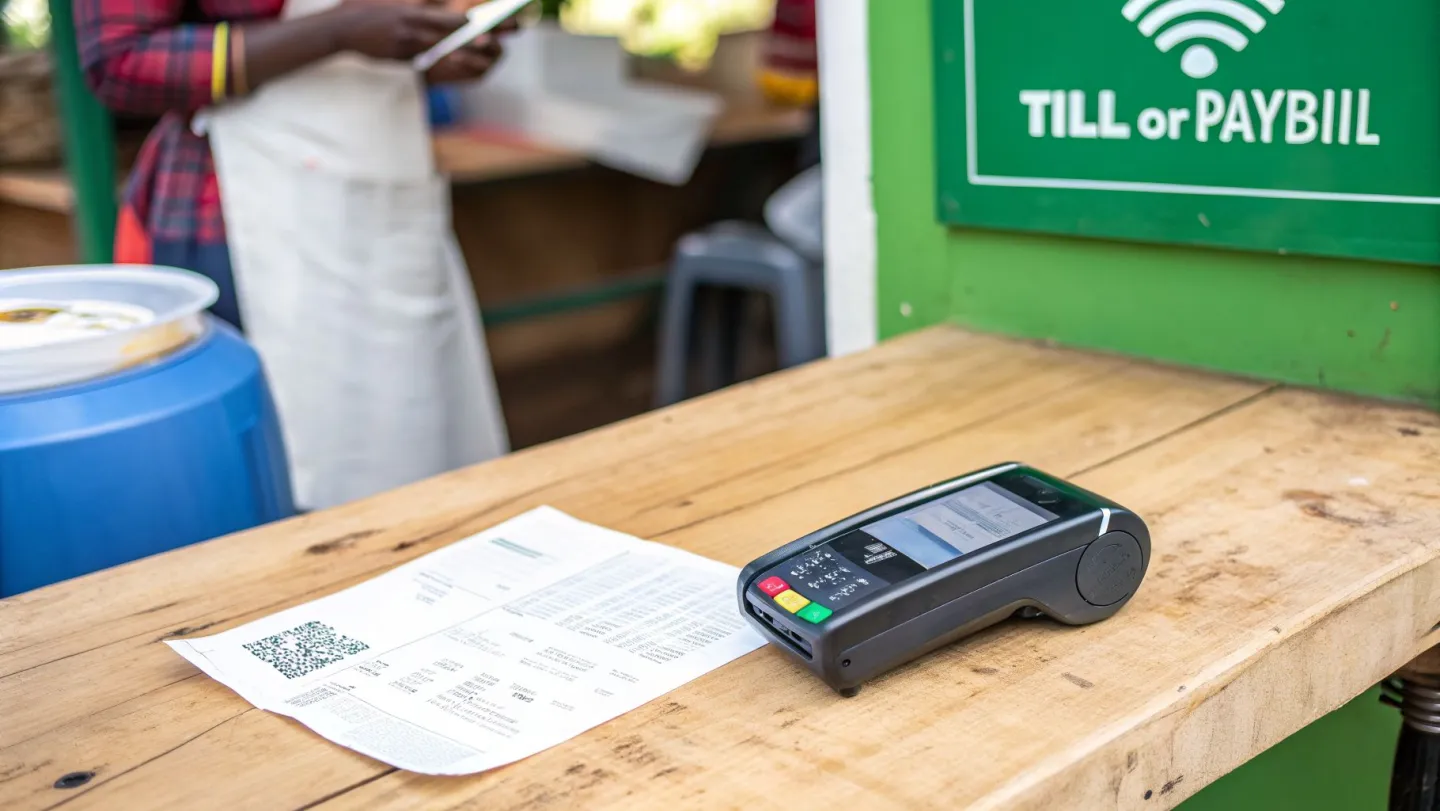
It’s hard to overstate just how essential M-PESA is to Kenyan commerce. By 2024, the platform was serving over 32 million active consumers in Kenya alone. With around 633,000 businesses already set up to accept till payments, your customers don't just appreciate the option, they expect it. You can see more compelling data on M-PESA's incredible market penetration at ElectroIQ.com.
For an Internet Service Provider (ISP), picking between a Till and a Paybill number is more than a simple admin task. It’s a core strategic decision. It will define how you handle payments, how convenient it is for your customers to pay you, and whether you can automate your operations as you grow.
M-PESA Till Number vs Paybill Number for ISPs
To help you decide, here’s a straightforward comparison of how each option works for an ISP.
| Feature | Till Number (Buy Goods) | Paybill Number |
|---|---|---|
| Primary Use Case | Face-to-face payments, one-off sales (e.g., selling a router). | Remote, recurring payments (e.g., monthly internet subscriptions). |
| Customer Experience | Customer enters Till number and amount. Very fast for simple transactions. | Customer enters Paybill, a unique Account Number, and the amount. |
| Payment Identification | Payments are linked only to the customer's phone number. | Payments are linked to a specific account number, enabling automation. |
| Reconciliation | Manual. You have to match phone numbers to customer accounts. Not scalable. | Automated. The account number allows billing systems to instantly identify the payment. |
| ISP Scalability | Poor. Becomes a huge bottleneck as your customer base grows. | Excellent. Built for handling thousands of recurring payments automatically. |
| Transaction Fees | Generally lower, often free for the customer for smaller amounts. | Fees apply, typically a combination of a flat rate and a percentage. Borne by the customer. |
While a Till number has its place, the table makes it clear that a Paybill is the only sustainable choice for a growing ISP.
Why Paybill is the Gold Standard for ISPs
A Till Number, also known as Lipa Na M-PESA Buy Goods, is fantastic for quick, one-time sales. Imagine a customer walking into your office to buy a Wi-Fi extender or a technician selling a new router during an installation. They just enter your Till number, the amount, their PIN, and you get paid. Simple.
But that simplicity is also its biggest weakness for a subscription business. A Till payment doesn't include a unique reference, just the customer's phone number. This forces you to manually dig through statements, matching phone numbers to customer records to figure out who paid for what. It's a headache that quickly becomes a nightmare as you grow.
This is where the Paybill Number truly shines for ISPs. Its killer feature is the mandatory account number field. When your customer pays their monthly bill, they enter your Paybill, the amount, and their unique account ID, something like "FLAT-12B" or "ACCT-3045".
For any ISP managing monthly subscriptions, a Paybill isn't just a good idea; it's the only practical way forward. It's the key that unlocks automated payment reconciliation and allows your business to scale efficiently.
By linking your Paybill to a robust billing platform, you can create a completely hands-off payment workflow. For instance, an integration with a system like Centipid ISP Billing uses the account number from the M-PESA notification to immediately find the customer in your database. This triggers a chain of automated actions, as outlined on centipidbilling.com:
- Automatic Invoice Clearing: The system instantly finds the matching invoice and marks it as paid. No manual data entry needed.
- Instant Service Activation: As soon as the payment is confirmed, the platform can automatically reconnect or extend the customer's internet plan on your network.
- Massively Reduced Admin Work: You completely eliminate the hours your team would have spent manually checking bank statements and updating spreadsheets.
Choosing a Paybill from day one sets you up for success. It’s the foundational step towards building an efficient, automated ISP that can grow without being buried in administrative tasks. Our guide on the best ISP billing system in Kenya dives deeper into how these systems work together to your advantage.
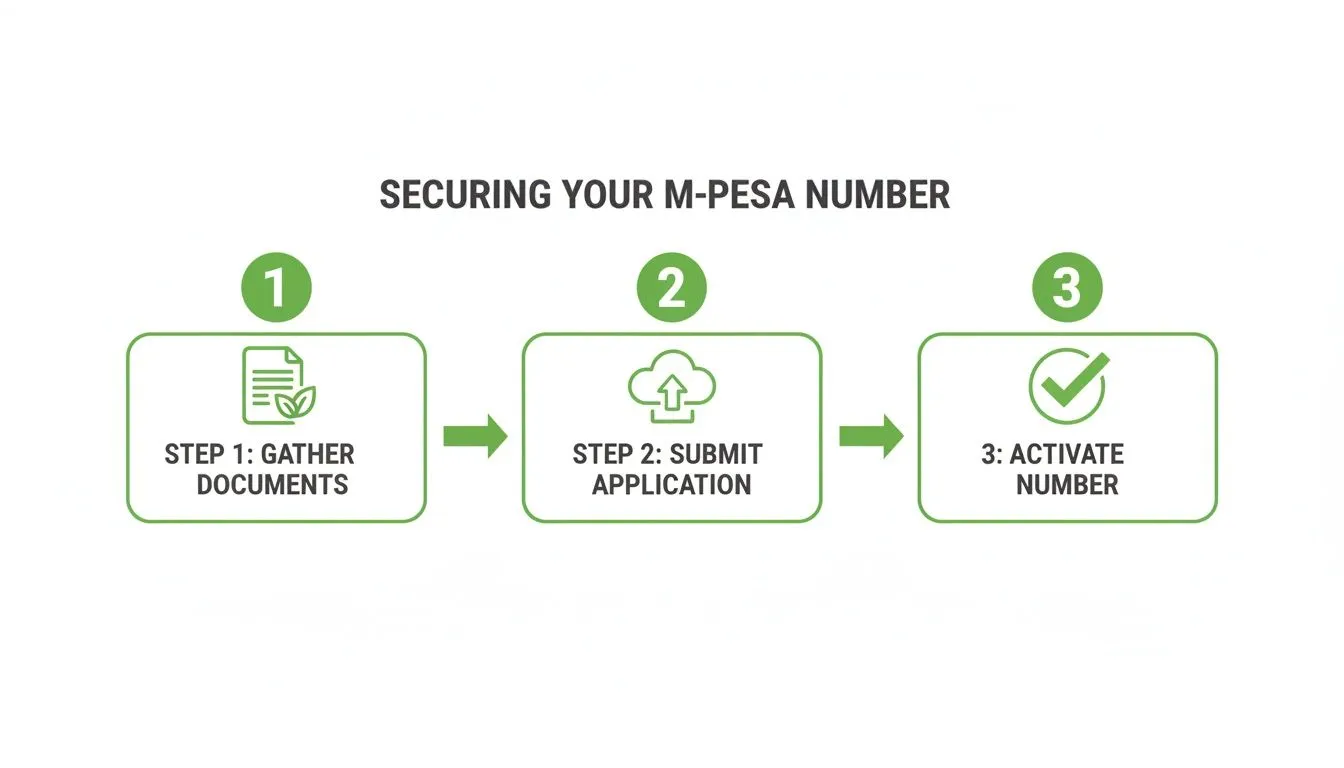
How to Get Your M-PESA Business Number
Getting your M-PESA business number is the first real step toward automating your payments. It can feel like a bit of a bureaucratic maze, but if you go in prepared, you’ll find it’s a lot smoother than you think.
Let's be honest, almost every delay I've seen in getting a Paybill or Till number comes down to one thing: paperwork. Getting your documentation right from the start is non-negotiable.
First, Get Your Documents in Order
Before you even touch an application form, your top priority is to gather all the necessary documents. For any registered business in Kenya, Safaricom is going to ask for a standard set of papers.
Here’s what you’ll need to have ready:
- Company KRA PIN Certificate: This has to be the one for your business entity, not your personal PIN. It’s a common mix-up.
- Business Permit or Certificate of Incorporation: Make sure it’s current and clearly shows your registered business name.
- Director(s) KRA PIN Certificates: You'll need the personal KRA PIN for every single director listed on your company documents.
- Director(s) National ID or Passport Copies: Get clear copies of both the front and back of the National ID for each director. If they're using passports, a clear copy of the bio-data page is what's needed.
Here’s a tip from someone who’s been through this more than once: scan everything into high-quality PDFs. A blurry photo snapped on a phone is one of the quickest ways to get your application bounced back, and that just means you’re starting all over again. A little prep here saves a lot of headaches later.
Choosing How to Apply
With your documents scanned and ready to go, you have two main options for submitting your application: heading online or visiting a shop in person.
The Online Portal Route Safaricom's self-service portal is usually the fastest way to get it done. You can upload all your documents and fill out the forms right from your desk. It’s efficient, and you can track your application's progress. This is the best option if you're confident all your paperwork is flawless.
Visiting a Safaricom Shop If you'd rather have a person walk you through it, visiting a Safaricom retail centre is a perfectly good alternative. The staff can review your documents on the spot and might catch a small error you missed. The downside, of course, can be the queues and the time it takes out of your day.
The sheer scale of the M-PESA ecosystem is staggering. It has ballooned from 29.5 million subscribers back in 2017 to over 34 million by late , powering a network of 1.5 million businesses. If you're interested in the data, you can see more on these M-PESA customer statistics on Statista.com.
The Verification and Activation Timeline
Once your application is in, the waiting begins. Safaricom will typically verify and activate your number within 24 to 72 hours. All communication will come via SMS, so keep an eye on your phone for updates. The final text will be the one you're waiting for, confirmation that your business number is live.
Once your business number is active, don't forget the crucial next step: setting up your settlement account. This is the bank or M-PESA account where all your collections will be transferred. Your money is stuck until you configure this.
As you set up your M-PESA number, it's a good time to think about security and efficiency across your entire payment system. Looking into how the wider fintech world uses compliance process automation can give you some powerful ideas for building a more robust and scalable operation from day one.
Finally, after activation, you’ll get your credentials for the Lipa Na M-PESA portal. This is where the magic really starts to happen, as you can now connect your new business number to your ISP billing platform, like Centipid, and finally achieve true payment automation.
Integrating M-PESA With Your ISP Billing System
Getting your M-PESA business number is the first big step. The real game-changer, however, is what you do with it next. By connecting your new Paybill or Till number to your ISP billing system, you transform it from a simple payment channel into a powerful engine for automating your entire business.
Think about it from your customer's perspective. They need to pay their monthly internet bill. They pull out their phone, send the payment, and instantly, their invoice is marked as paid and their connection is renewed. No delays, no support calls. This isn't just a nice feature; it's the seamless experience that modern customers expect, and it’s entirely possible with the right integration.
The Secret Sauce: Callback URLs
This automation hinges on a small but mighty piece of tech called a callback URL, sometimes referred to as an Instant Payment Notification (IPN). In simple terms, it's a private, secure communication channel that you set up between M-PESA's servers and your billing software.
Whenever a customer makes a payment to your business number, M-PESA doesn't just hold the money. It immediately pings your unique callback URL with a data packet containing all the transaction details: the customer’s phone number, the exact amount paid, and, critically, the unique account number they entered.
A smart billing platform like Centipid ISP Billing is designed specifically to listen for these notifications. As detailed in the official documentation at https://docs.centipidbilling.com, the system grabs this data and uses it to kick off a series of automated tasks. It completely removes the need for someone to manually check bank statements and update accounts, which means fewer human errors and more time to focus on growing your ISP.
As you can see, a well-designed billing system gives you a clear interface to plug in these M-PESA details. Getting this configuration right is the foundation for automating your payment reconciliation from day one.
A Real-World ISP Integration Example
Let’s trace a payment to see how this works in practice for a growing ISP using Centipid.
Imagine your subscriber, Jane, needs to pay her KES 2,500 monthly bill. She opens her M-PESA app, enters your Paybill number, her unique account ID (e.g., JANE-001), and the amount.
The moment she confirms the payment, M-PESA sends an IPN to your Centipid system’s callback URL. Centipid instantly processes it, identifies Jane's account using "JANE-001," and marks her invoice as paid. Almost simultaneously, the system signals your MikroTik router to renew her internet plan without any service interruption. All these automated features can be explored at https://centipidbilling.com.
The whole process is over in seconds. Jane gets an immediate SMS confirmation, and your support team never had to get involved. This is the kind of efficiency that allows an ISP to scale smoothly.
The goal of an M-PESA integration isn't just to take payments. It's to build an intelligent, hands-off system that cuts down your operational costs while keeping customers happy.
Connecting M-PESA to your billing platform shares core principles with other complex system integrations, where the goal is to make two different platforms talk to each other to create a single, efficient workflow. Understanding how a successful SAP Business One CRM integration is planned and executed can offer valuable lessons for linking M-PESA to your ISP’s most critical operations.
Boosting Your Revenue with M-PESA Integration
Getting an M-PESA business number is one thing, but plugging it into a smart billing system is where the real growth happens. It stops being just a way to get paid and becomes a tool that actively grows your ISP's revenue and keeps customers happy.
The first, most obvious win is automating collections. Seriously, forget spending hours chasing down late payments. When you connect M-PESA to a system like Centipid, you can set up smart dunning. As described at https://docs.centipidbilling.com, the system automatically nudges customers with friendly SMS or email reminders when an invoice is due. It’s a simple change, but it dramatically cuts down on late payments and smooths out your cash flow, all without your team lifting a finger.
Drive Upsells with Flexible Data Plans
Here’s another powerful strategy I’ve seen work wonders: offer flexible, on-demand products that customers can buy themselves. An integrated M-PESA number makes this incredibly easy. You can cook up all sorts of data plans or hotspot vouchers right inside your billing platform.
Think about it. A customer burns through their monthly data a week before their renewal. Instead of being cut off or having to call support, they can just use M-PESA to grab a top-up bundle and get back online in minutes.
- Daily or Weekly Passes: Perfect for a customer's visiting relatives or anyone needing short-term, no-fuss internet.
- Night Owl Bundles: You can offer discounted data for off-peak hours, which helps you better utilise your network capacity while giving night-time users a great deal.
- Booster Packs: These are a must-have. They let subscribers add a few extra GBs to their plan whenever they need it.
When a customer pays for one of these via your M-PESA number, the billing system instantly activates the service on your network. It’s a completely frictionless way to upsell, generating extra revenue with zero admin work. This kind of automation is a core idea we explore in our article on ISP billing with M-PESA mobile money integration, which is worth a read.
Turn Payment Data into Business Intelligence
Perhaps the most overlooked benefit is the goldmine of data you start collecting. Every single M-PESA transaction tells a story. Integrated platforms, like the one we offer at Centipid, come with real-time analytics that translate this raw data into clear, actionable insights. You can learn more about these features on centipidbilling.com.
By analysing payment trends, you move from simply collecting money to making strategic, data-driven decisions that directly impact your bottom line.
This is how you start answering the really important business questions. Which data packages are flying off the shelves? What day of the month do most people pay their bills? Who are your most loyal, high-value subscribers?
Armed with these answers, you can start fine-tuning your pricing, targeting your marketing efforts, and building new products that you know your customers want. Your M-PESA business number transforms from a simple payment channel into a central part of your entire business growth strategy.
Solving Common M-PESA Integration Headaches
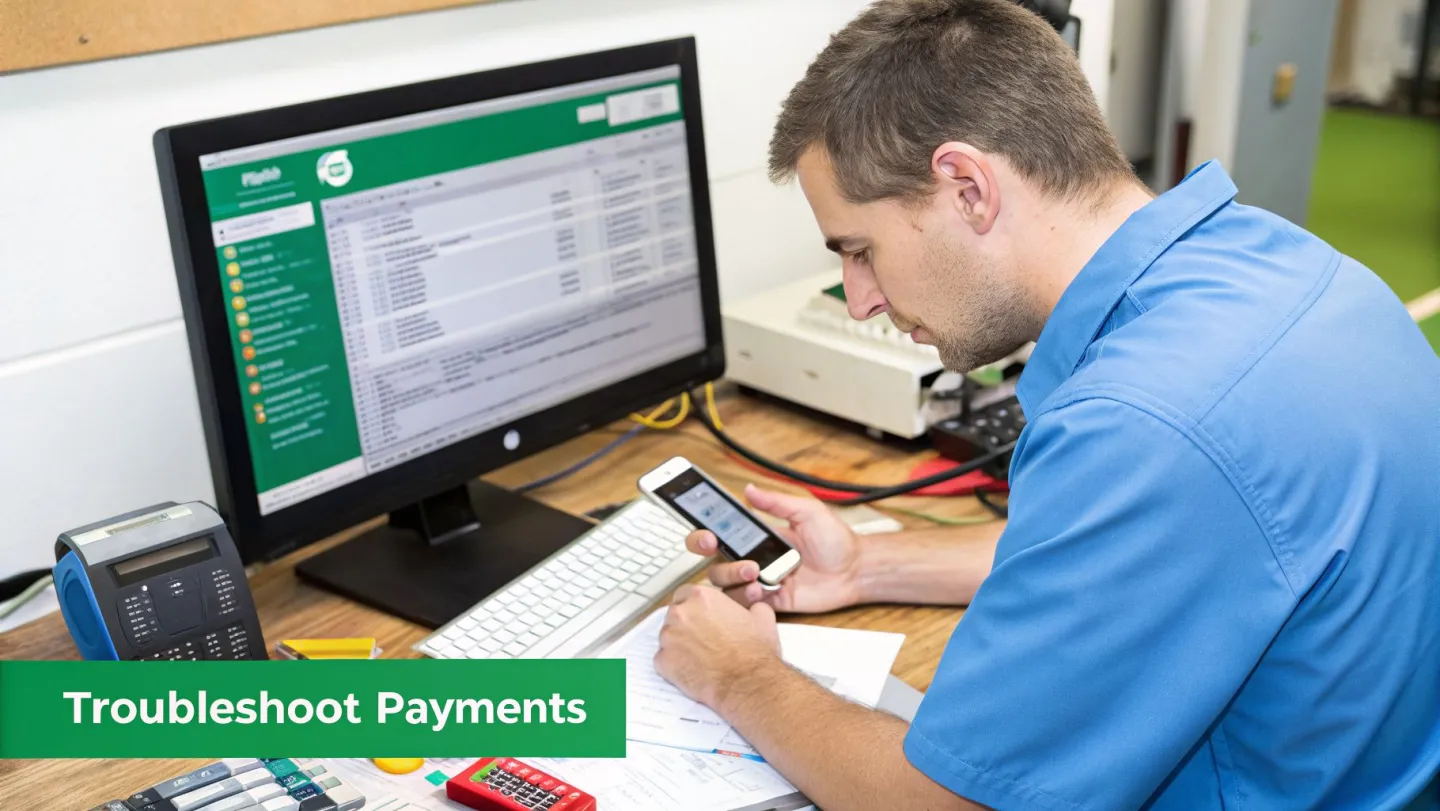
Let's be realistic, even with a flawless setup, you're going to run into M-PESA payment issues occasionally. It’s the nature of the beast. The real test is how quickly you can diagnose and fix the problem, keeping customer frustration and service downtime to an absolute minimum.
From my experience, most problems come down to a handful of common culprits. When a customer calls insisting they've paid but their internet is still off, it’s almost always a communication breakdown between M-PESA and your billing system. The prime suspect? Your callback URL.
Diagnosing Callback URL Failures
A callback failure is simple: M-PESA tried to tell your system about a payment, but the message never arrived. This could be anything from a temporary glitch with your server to a firewall that's a little too aggressive.
This is where a dedicated ISP billing platform like Centipid becomes invaluable. It's built to provide crystal-clear transaction logs for exactly this scenario.
When a payment goes missing, your first move should be to jump into your Centipid dashboard and pull up the M-PESA transaction logs. As explained in the Centipid documentation, if the payment isn't there at all, the issue is likely on Safaricom's end. But if you see the transaction marked as "failed" or "pending," you know the problem is with your system receiving that notification. No more guesswork.
Creating a Troubleshooting Checklist
To handle these issues like a pro, you need a methodical approach. A simple checklist helps you cover all your bases, starting with the customer and working your way back to your own system.
- Confirm the Customer's Payment: Before you do anything else, ask the customer for a screenshot of their M-PESA confirmation SMS. This is non-negotiable. It verifies they paid the right Paybill number, used their unique account number, and confirms the transaction ID.
- Check Your Billing System Logs: Armed with the transaction ID, dive into your billing platform's logs. As we cover in the Centipid documentation, the logs will show you instantly whether the payment notification was received, is still pending, or failed outright.
- Investigate an Incorrect Business Name: Have you ever had a customer report seeing the wrong business name when trying to pay? This is a classic configuration error inside your M-PESA portal. It's a quick fix, but you'll have to contact Safaricom business support directly to get them to update it.
The most powerful troubleshooting tool you have is your billing system's transaction log. It’s the single source of truth that tells you whether M-PESA successfully communicated a payment to your platform.
One last thing to keep in mind is transaction reversals. When Safaricom processes a reversal, it does not send an automatic notification to your billing system. It's on you to manually log that reversal in your platform, deactivate the service, and adjust the customer's invoice. This is a critical reason why having a solid process for managing ISP customers and their billing is so important for handling these inevitable exceptions.
Common Questions Answered
Getting your M-PESA business number set up for your ISP often brings up a few key questions. Let's tackle some of the ones I hear most often from network owners and admins looking to automate their billing.
Till vs. Paybill: What's the Difference in Fees?
The main difference comes down to who pays the transaction fee.
A Paybill gives you more control. You can choose to have your business absorb the fee or pass it on to the customer. These fees vary depending on the transaction amount. For an ISP managing monthly subscriptions, the Paybill is almost always the right choice because it supports unique account numbers and gives you that crucial flexibility on fees.
Can I Just Connect M-PESA Straight to My MikroTik Router?
The short answer is a hard no. Your MikroTik router and M-PESA don't speak the same language, so a direct integration isn't possible. You need a translator in the middle.
That's where an ISP billing platform like Centipid becomes essential. It acts as the bridge, communicating with the M-PESA API on one side and your MikroTik router on the other. This is what creates that seamless, automated workflow.
When a customer makes a payment, M-PESA sends a notification to Centipid. The system then instantly tells your MikroTik device to activate or extend that user's internet plan. You can see a detailed breakdown of this process in the Centipid documentation.
How Long Does It Really Take to Get My Business Number?
Once you’ve submitted all your documents correctly, you can expect your number to be activated within 24 to 72 hours.
From what I’ve seen over the years, nearly every delay comes down to one of two things: an incomplete application form or blurry, unreadable copies of your documents. Trust me on this one, double-check every single page before you submit it. It’ll save you a huge headache later.
Safaricom will send you an SMS confirmation the moment your M-PESA business number is live and ready for action.
Ready to put your ISP billing and collections on autopilot? Centipid Technologies Ltd. is designed to integrate perfectly with your M-PESA business number, cutting down your admin work and helping you secure your revenue. Take a look at the features at https://centipidbilling.com.