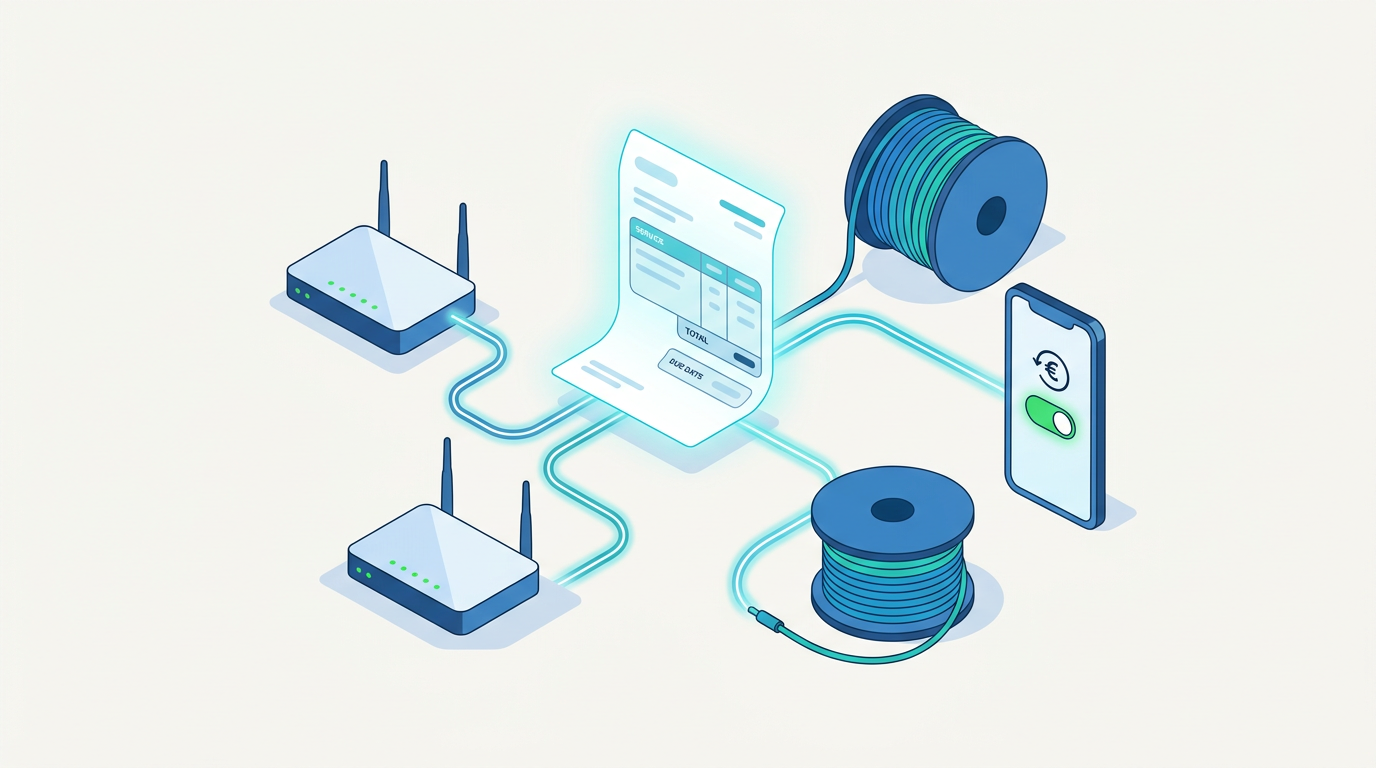
There is no single best ISP billing system for every provider. The best one for you is the system that fits your network setup, subscriber volume, service plans, payment methods and local regulations, and that automates the repetitive work your team does today. A small wireless ISP with a few hundred customers needs something different from a fiber operator with tens of thousands of subscribers across several regions. This guide covers what an ISP billing system does, which features matter most, how to compare vendors, and how to make a decision you won't regret in two years.
What an ISP Billing System Actually Does
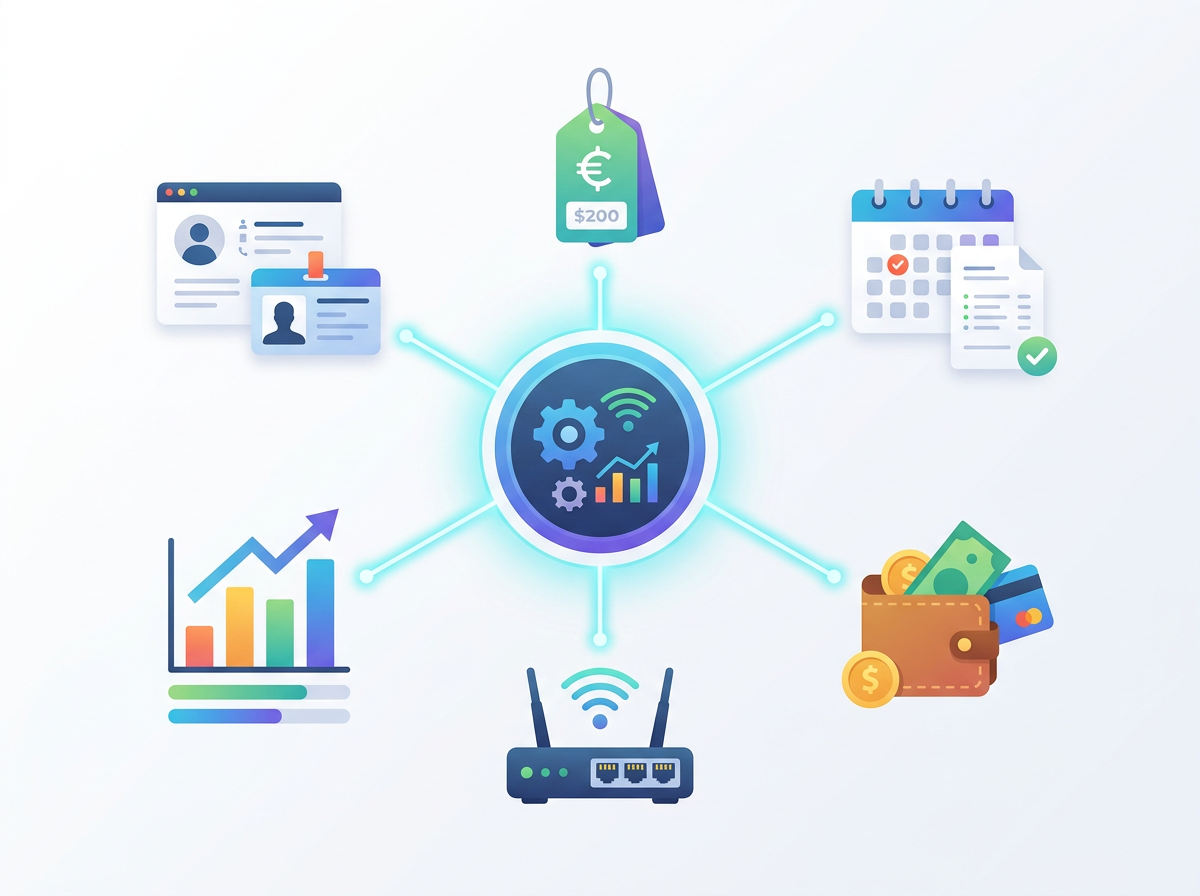
An ISP billing system is software that manages the commercial side of running an internet service. Generic invoicing tools only produce invoices. ISP billing platforms are built around recurring connectivity services, so they connect what a customer pays for with what that customer can actually use on the network.
Most ISP billing systems handle several core jobs:
- Subscriber management: storing customer records, addresses, contracts, plans and service history.
- Plan and pricing management: defining packages by speed, data cap, contract term, add-ons and promotions.
- Recurring invoicing: generating invoices automatically on a fixed cycle, including prorated charges when customers upgrade, downgrade or join mid-cycle.
- Payment collection: accepting payments online, by card, bank transfer, mobile money or cash at agents, and matching payments to invoices.
- Network integration: linking billing status to network access, often through RADIUS or direct integration with routers and access controllers, so service can be activated, throttled or suspended automatically.
- Reporting: showing revenue, overdue accounts, churn, and plan performance.
When these functions work together, staff no longer have to track payments by hand and then log into routers to turn customers on or off.
Why "Best" Depends on Your Business
Asking which ISP billing system is best is a bit like asking which vehicle is best. A delivery company and a family need different things. Before you compare products, answer these questions about your own operation.
How many subscribers do you have, and how fast are you growing?
A system that suits 300 subscribers may slow down or become expensive at 30,000. Look for pricing and performance that scale with your growth plans, not just your current size.
What network equipment do you use?
Many ISPs run MikroTik, Ubiquiti, Cambium, Cisco, Huawei or a mix of vendors. Your billing system should integrate with the equipment you already own. Replacing your network to suit your billing software is rarely sensible.
What services do you sell?
Some providers sell only fixed broadband. Others also sell hotspot vouchers, VoIP, IPTV, dedicated business links or managed services. Check that the system can model every product you offer, including bundles.
How do your customers pay?
Payment habits vary widely by country. In some markets, card payments and direct debit dominate. In others, mobile money, bank deposits or cash payments through agents are standard. A billing system that cannot connect to your customers' preferred payment channels will cause late payments and manual reconciliation.
What are your tax and compliance requirements?
Invoices may need specific tax fields, sequential numbering, local currency formats or e-invoicing integration with tax authorities. Data protection rules may also affect where customer data is stored.
Key Features to Evaluate
Once you understand your needs, compare systems against a consistent set of criteria. These are the features that usually separate a good fit from a poor one.
Automation of the billing cycle
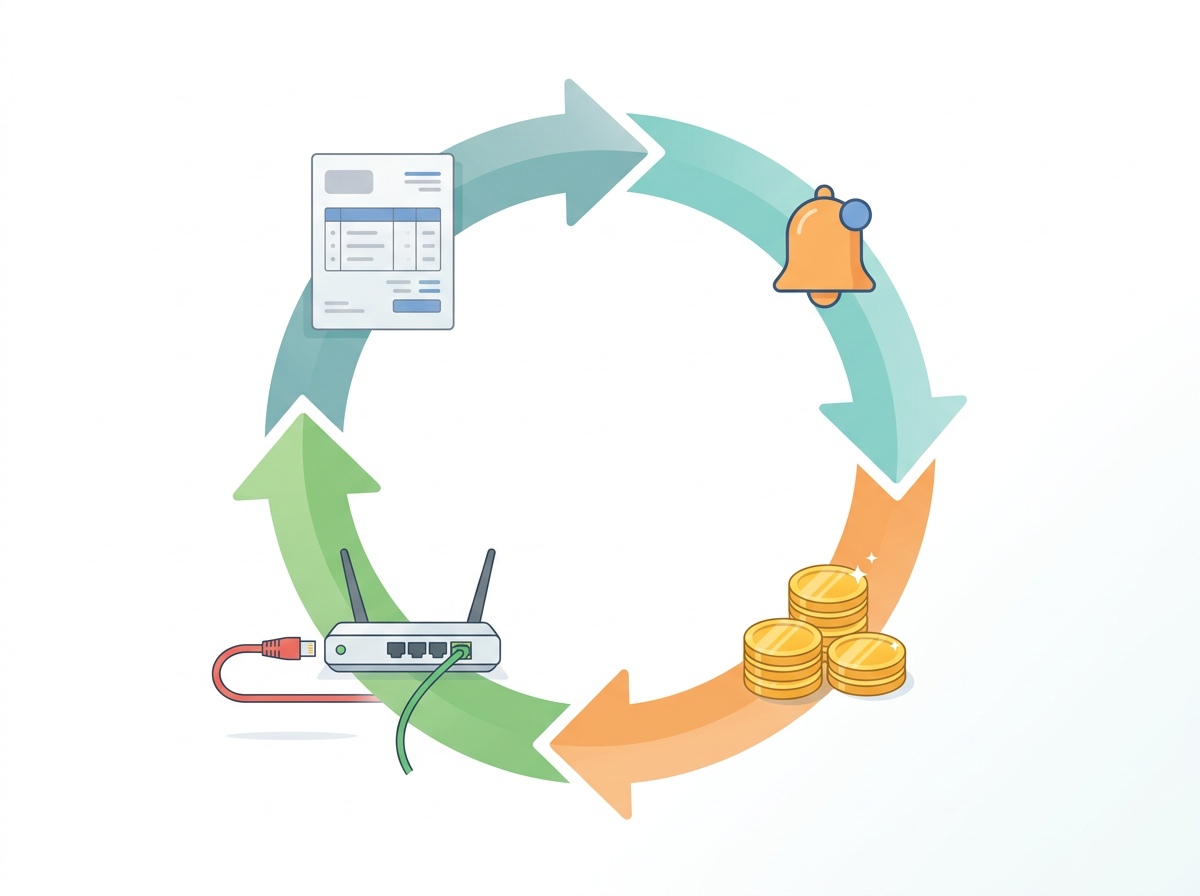
The main value of ISP billing software is removing manual work. Check whether the system can:
- Generate invoices automatically on schedule.
- Send reminders before and after due dates by email or SMS.
- Apply late fees or grace periods according to your rules.
- Suspend service automatically when an account is overdue, and restore it automatically once payment is received.
Automatic suspension and reconnection matter a great deal for many ISPs, because chasing unpaid accounts manually takes up staff time and lets revenue leak.
Network and RADIUS integration
Ask exactly how the system communicates with your network. Common approaches include RADIUS authentication and accounting, API integration with specific router brands, and PPPoE, DHCP or hotspot control. Find out whether it supports bandwidth profiles, data quotas and fair usage policies, and whether those update immediately when a customer changes plan.
Payment gateway support
List the payment methods your customers actually use and confirm each one is supported natively or through a reliable integration. Automatic payment matching is important. Without it, staff end up reconciling bank statements line by line.
Customer self-service portal
A portal where customers can view invoices, pay online, check usage, change plans or open support tickets cuts down on calls and walk-in visits. Check that the portal works well on mobile phones, since many subscribers will only ever use it that way.
Reporting and analytics
Good reporting helps you see which plans are profitable, where customers are churning and how much revenue is overdue. Look for reports you can filter by period, region, plan or reseller, and data you can export for your accountant.
Multi-branch, reseller and multi-currency support
If you operate in several towns, work with resellers or franchisees, or bill in more than one currency, confirm that the system supports separate branches, commissions, permissions and currencies without workarounds.
User roles and security
Staff should only see and change what their role requires. Check for role-based access control, audit logs, two-factor authentication and secure handling of payment data.
Deployment model
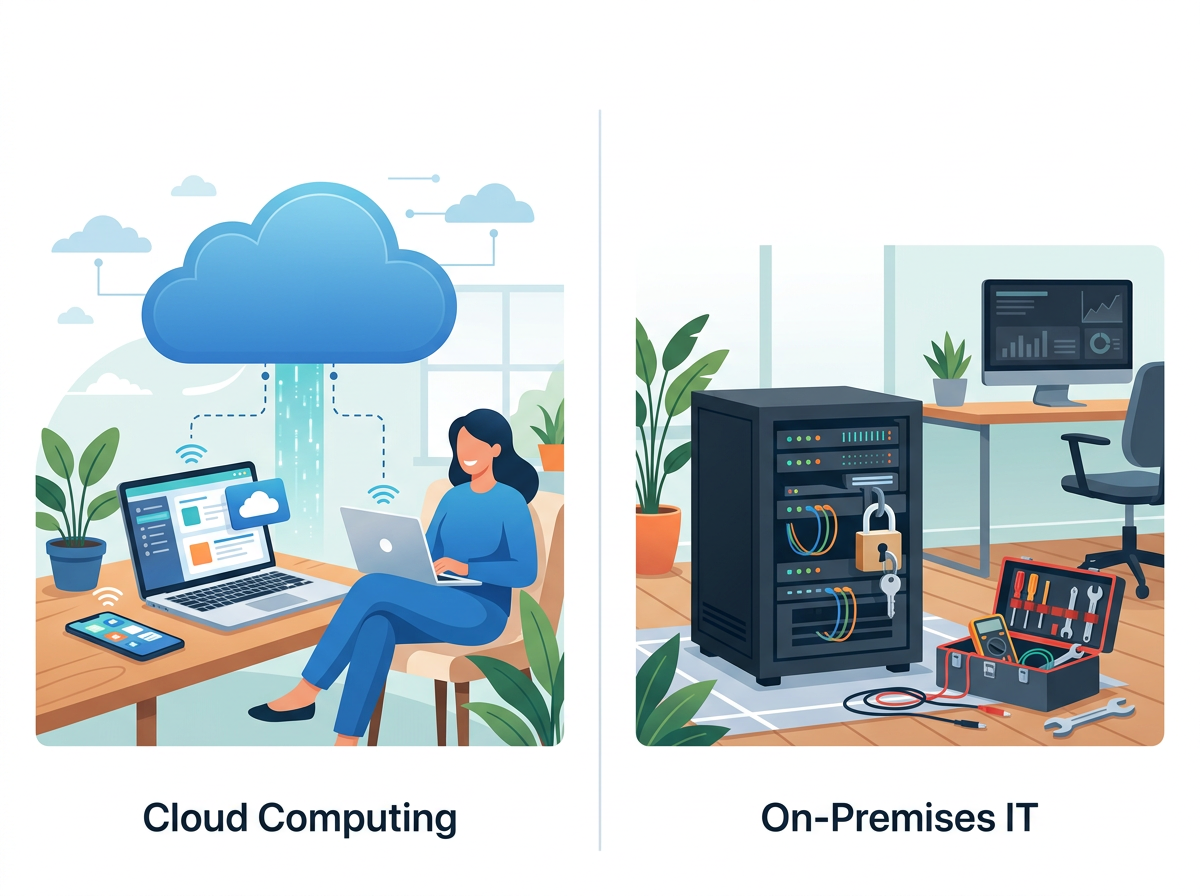
ISP billing systems are usually offered as cloud-hosted software (SaaS) or as self-hosted software installed on your own servers.
- Cloud-hosted systems reduce maintenance work, include updates and are accessible from anywhere, but you depend on the vendor's uptime and pay ongoing fees.
- Self-hosted systems give you more control over data and customization, but your team takes on server management, backups, security patches and upgrades.
Neither model is better in every case. Choose based on your technical capacity and how much control you need.
Comparing Costs Realistically
The subscription or license price is only part of the total cost. When comparing ISP billing systems, consider:
- Pricing model: per subscriber, per tier, flat fee or one-time license.
- Setup and migration fees: importing existing customers, plans and balances.
- Payment gateway fees: charged by the payment provider, sometimes with an added fee from the billing vendor.
- SMS and email costs: for notifications and reminders.
- Support plans: whether support is included or charged separately, and in which time zones it is available.
- Hidden staff time: a cheaper system that needs more manual work can cost more overall.
A useful exercise is to estimate how many staff hours per month you currently spend on invoicing, payment reconciliation and service suspension, then ask how much of that each system would remove.
How to Evaluate and Choose a System
A structured selection process reduces the risk of picking the wrong platform.
Step 1: Document your current workflow
Write down how a customer is signed up, billed, paid and suspended today, including every manual step. This becomes your checklist for testing vendors.
Step 2: Create a shortlist
Pick a handful of systems that match your size, network equipment and region. Read their documentation, not just their marketing pages, to confirm integrations and payment options.
Step 3: Request a demo and a trial
Ask each vendor to demonstrate your real scenarios: a mid-cycle upgrade, a partial payment, an overdue account being suspended and restored, and a customer paying through your most common payment channel. If a trial is available, connect it to a test router and run through these scenarios yourself.
Step 4: Check support and responsiveness
Billing problems affect revenue and customer access, so responsive support is essential. Ask about support channels, response times, onboarding help and how updates are delivered.
Step 5: Plan the migration
Ask how the vendor handles data import, whether they help with migration, and how you can run the old and new systems in parallel for a billing cycle to check accuracy before switching over completely.
Step 6: Think about the future
Consider where your business will be in three to five years. New service types, more subscribers, additional regions and new payment methods should all be possible without changing platforms again.
Common Mistakes to Avoid
- Choosing on price alone. The cheapest option can become expensive if it lacks automation or integrations you need.
- Ignoring payment methods. A system without your customers' preferred payment channels will hurt collections.
- Underestimating migration. Poorly migrated balances and plans lead to billing errors and customer complaints.
- Overbuying. Enterprise platforms with features you will never use can add complexity and cost.
- Skipping real-world testing. Demos show ideal scenarios. Test your edge cases.
Where Centipid Billing Fits
Centipid Billing is built for internet service providers that want to automate subscriber billing, payments and service management without stitching together separate tools. If you are comparing systems, you can apply the same criteria from this guide to Centipid Billing: check integration with your network equipment, confirm the payment methods you need, and test your real billing scenarios before committing. Whichever platform you choose, the right decision comes from matching the software to how your ISP actually operates.
Frequently Asked Questions
Which is the best ISP billing system?
No single ISP billing system is best for everyone. The best choice is the one that integrates with your network equipment, supports your customers' payment methods, automates invoicing and service suspension, meets local tax requirements and scales with your growth.
What is the difference between ISP billing software and regular invoicing software?
Regular invoicing software creates and sends invoices. ISP billing software also manages subscriber plans, recurring cycles, proration and usage, and it connects to the network so service can be activated, limited or suspended based on account status.
Do I need RADIUS integration?
Many ISPs use RADIUS to authenticate subscribers and enforce plans, especially with PPPoE or hotspot services. If your network relies on RADIUS, your billing system should support it or integrate with your RADIUS server. Some systems integrate directly with router APIs instead.
Should I choose a cloud or self-hosted ISP billing system?
Cloud systems reduce maintenance and are quick to deploy. Self-hosted systems offer more control but require in-house technical skills for servers, backups and security. Choose based on your team's capacity and your data control requirements.
How long does it take to switch ISP billing systems?
The timeline depends on subscriber volume, data quality and how complex your plans are. Running the old and new systems in parallel for at least one billing cycle is a sensible way to check accuracy before fully switching.
Can a small ISP benefit from billing software?
Yes. Even small providers save time when invoicing, reminders, payment matching and service suspension are automated, and starting with a scalable system avoids a difficult migration later.