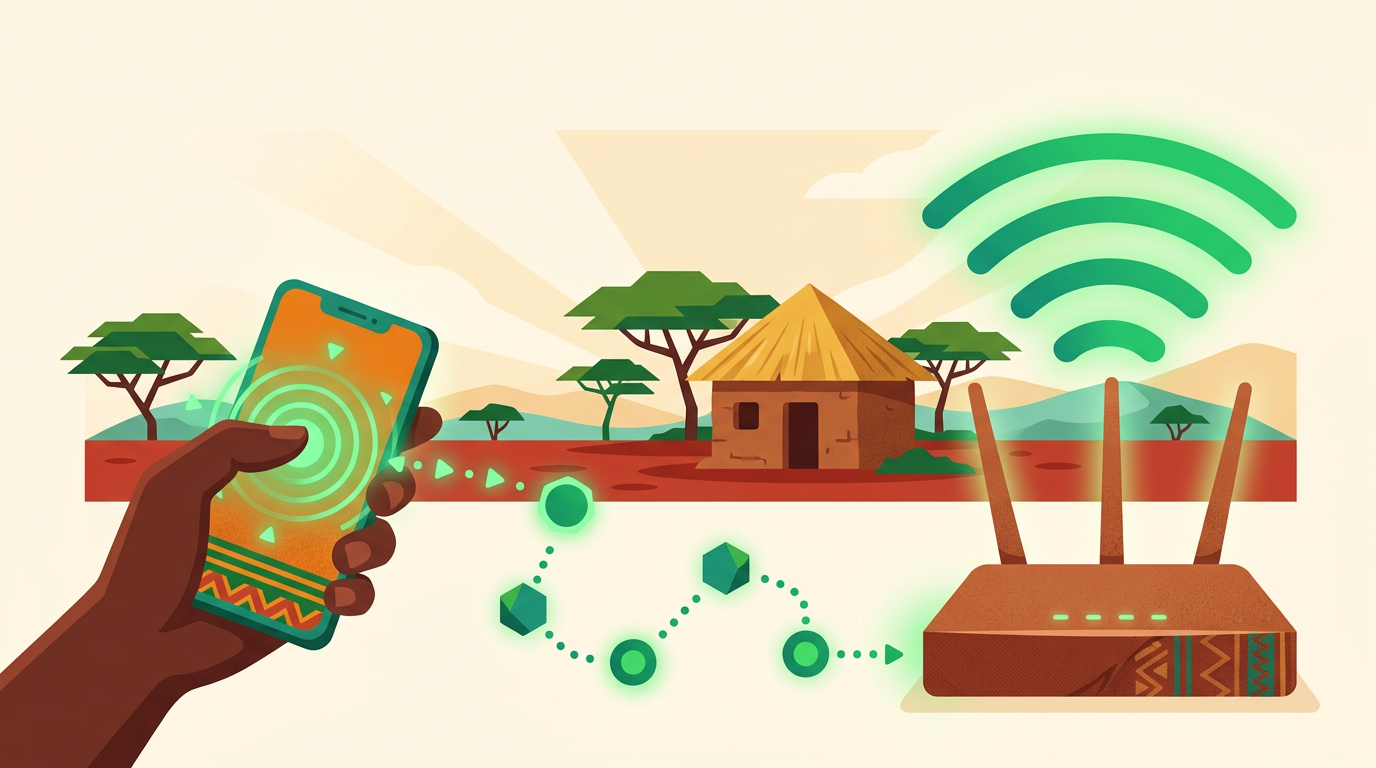
Software that automatically reconnects internet customers after they pay via M-Pesa is an ISP billing system that does four things without staff involvement. It receives the M-Pesa payment confirmation, matches the payment to the right subscriber, renews that subscriber's package and restores their access on the router or RADIUS server. Platforms such as Centipid Billing, along with several Kenyan and open-source tools, offer this for PPPoE and Hotspot customers. They differ most in how they behave when one of those steps fails. This guide covers that chain, the failure points behind most "I paid but I'm still offline" calls and a practical way to test any system before you rely on it.
If you still need to connect M-Pesa to your billing system, start with How to Integrate M-PESA With an ISP Billing System and Safaricom Internet Paybill Setup. This article assumes payments already reach your system and looks at what happens after they arrive.
What "automatic reconnection" really means
Vendors use the phrase loosely, so define it before you compare products. True automatic reconnection means the customer pays, and within a short time their connection works again with the correct speed and expiry date. Nobody opens Winbox, edits a secret or toggles a user.
It looks different for each service type:
- PPPoE subscribers on monthly plans are usually disabled, moved to a restricted profile or rejected by RADIUS when they expire. Reconnection means the account becomes valid again and the router lets the next login through at the right rate limit. Often the system also has to force the old session to drop so the customer is not left on a "suspended" pool.
- Hotspot users pay through a captive portal or by paybill. Reconnection means the device is authorised for the time, data or speed the payment bought, usually on the same phone or MAC address.
A system that only marks the invoice as paid and expects a technician to re-enable the user is doing automatic reconciliation, not automatic reconnection. Ask vendors which one they mean.
The five links in the payment-to-access chain
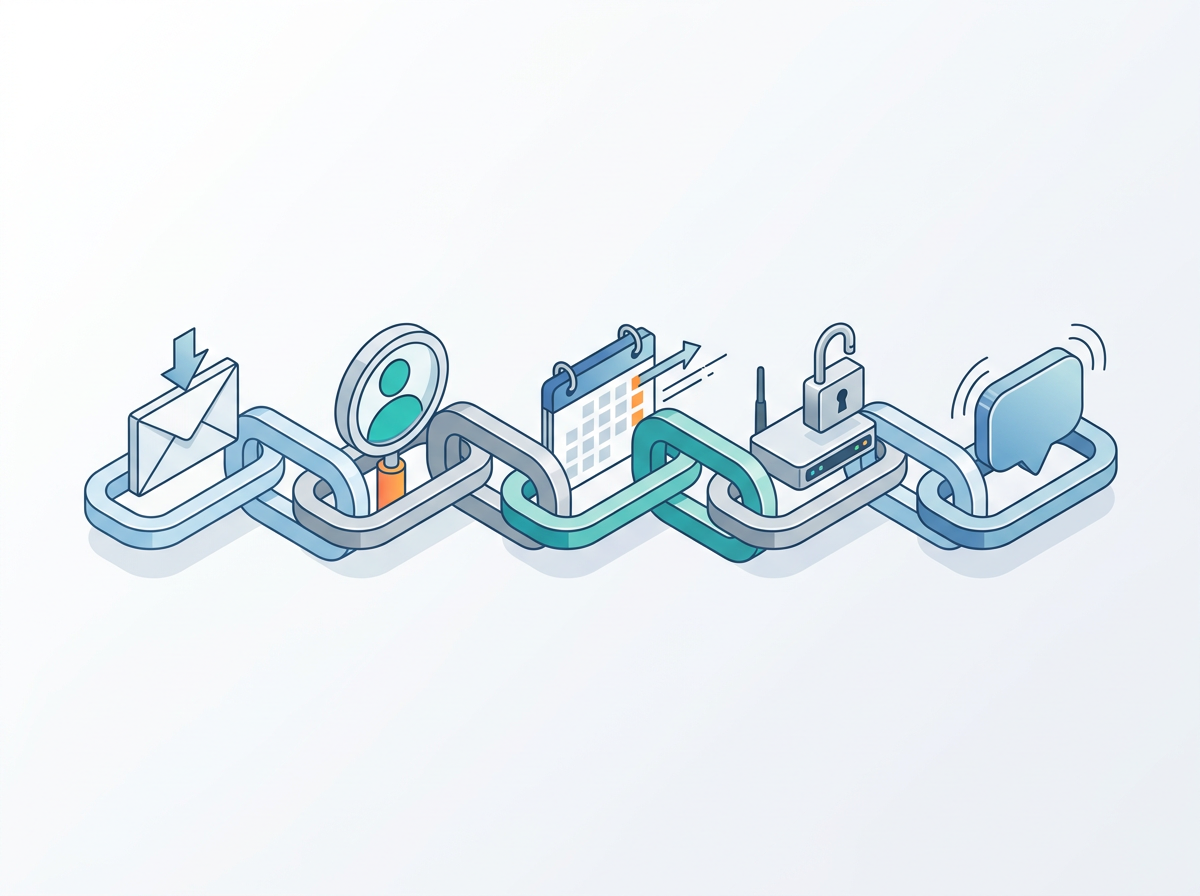
Every reliable setup completes the same five steps. A failure at any one leaves the customer offline even though their money has arrived.
1. The payment confirmation arrives
With Paybill or Till payments, Safaricom sends a confirmation to a callback URL your billing system exposes. With STK push, the system starts the request and waits for the result callback. Either way, the system depends on a message it does not control. Callbacks can be delayed, sent twice or never arrive.
2. The payment is matched to a subscriber
The system has to work out who paid. The cleanest match uses the account reference the customer typed, such as an account number or username. Customers often get this wrong. They type their name, an old account number or nothing useful. Better systems fall back to the payer's phone number or an open invoice. Weaker ones give up and park the money.
3. The account is renewed against its package
Once matched, the payment has to be applied correctly. That means extending the expiry by the right period, settling any outstanding invoice first and handling amounts that do not equal the package price. Partial payments, overpayments and payments that cover two months all need clear rules.
4. Network access is restored
This is the step most people mean by reconnection. Depending on the architecture, the billing system updates the RADIUS record, pushes a change to the MikroTik router or both. If the customer is still connected on a restricted session, the system may need to disconnect that session so the device logs in again with full access. RADIUS Change of Authorization (CoA) and disconnect messages are covered in FreeRADIUS With MikroTik, and the wider access model is explained in Network Access Control for PPPoE and Hotspot ISPs.
5. The customer is told
A short SMS or WhatsApp message confirming the payment and the new expiry date prevents many support calls. Customers who hear nothing tend to call, even when they are already back online.
Where automatic reconnection usually breaks
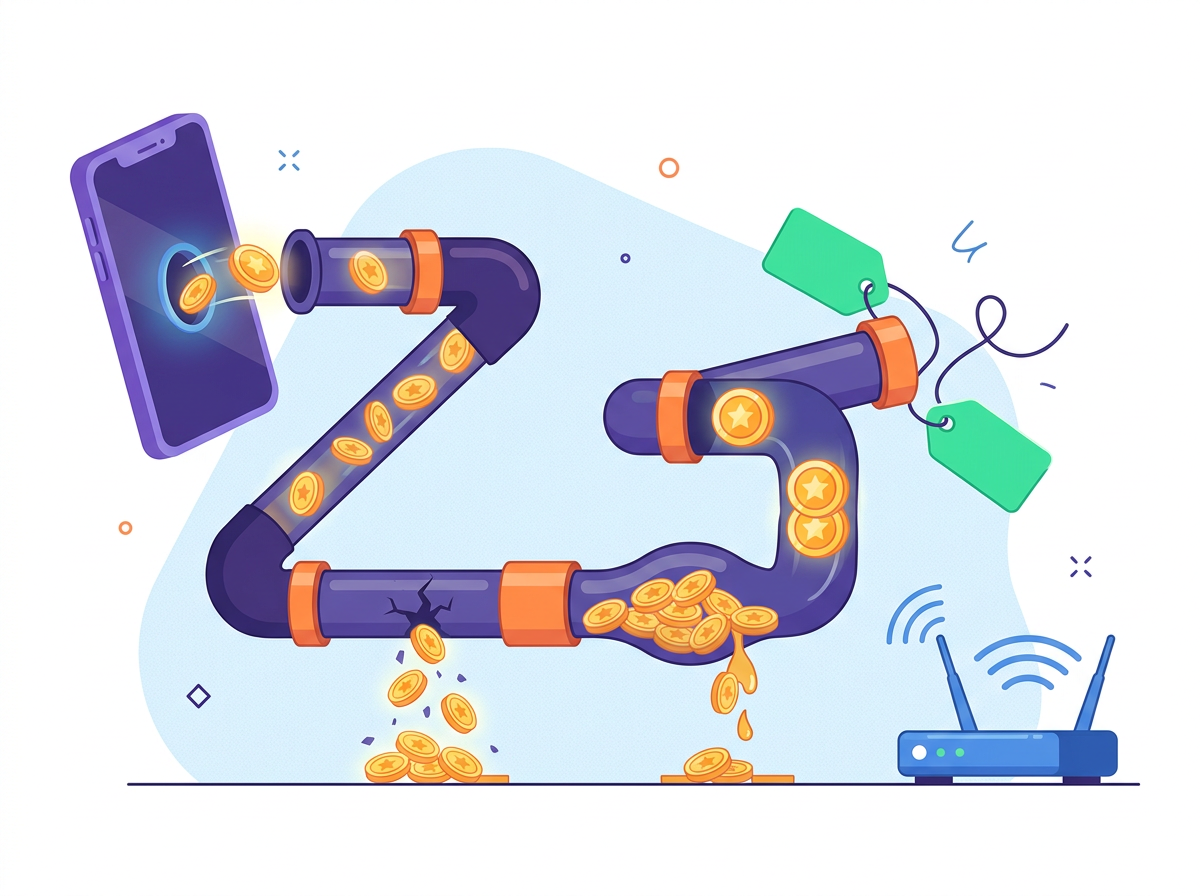
When customers say they paid and are still offline, the cause is almost always one of these.
Missed or late callbacks
If the confirmation never reaches your system, nothing downstream happens. A good system does not rely only on the push. It can also query or recover transactions it missed, so a dropped callback becomes a short delay and not a lost payment.
Wrong or missing account reference
This is the most common human error. Look at what the system does with a payment it cannot match by reference. Does it try the phone number? Does it check open invoices? Does it keep the payment somewhere visible so staff can assign it in one click? Or does the payment sit in a log nobody reads? The matching logic is explained in more depth in Lipa na M-PESA for ISP Payments and Reconciliation.
Duplicate confirmations
When the same receipt arrives twice, a naive system can credit the customer twice and give them a free month. The system should recognise the M-Pesa receipt number and merge duplicates.
Amount does not match the package
A customer on a 2,500 shilling plan who sends 2,000 should not be silently reconnected for a full month, and should not be left with no explanation either. Decide whether partial payments sit as wallet credit, extend service pro rata or wait until the balance is complete, then confirm the software can enforce that rule.
Stale sessions on the router
The account is renewed in the database, but the customer's router is still holding a session from when they were suspended, perhaps with a redirect to a "please pay" page. Until that session drops, they stay restricted. Systems that send a disconnect or CoA after renewal avoid this. Systems that wait for the session to time out leave customers waiting.
The router is unreachable
If the billing system pushes changes directly to the MikroTik and the router is offline or behind an unstable link, the change can fail quietly. RADIUS-based access is more forgiving here, because the router asks for authorisation at login. Either way, you want monitoring that tells you a router is down. Router monitoring and alerts covers this.
How to test reconnection before you commit
Demos usually show the happy path. Run these tests during a trial with real money and a test account, and time each one.
- Normal payment. Expire a test PPPoE account, pay the exact package price with the correct account reference and measure how long it takes to browse again.
- Wrong reference. Pay using a misspelled account number from the phone registered on the account. Check whether the system matches it by phone number.
- Unknown payer. Pay from a phone not linked to any account with a nonsense reference. Find out where the payment appears and how staff assign it.
- Partial payment. Send less than the package price and check that the outcome follows your rules.
- Double payment. Pay twice in a row and confirm the expiry extends correctly, without a crash or a double credit.
- Restricted session. Stay connected while expired, pay, and check whether you are moved to full access without manually reconnecting.
- Hotspot purchase. Buy a package through the captive portal on a phone and confirm the same device is authorised without typing a code.
- Notification. Confirm the payment and new expiry SMS arrives.
A system that passes all eight will handle most of what your customers do. Write down the time for each test. A gap of seconds versus minutes makes a real difference to your support load.
PPPoE and Hotspot need different handling

PPPoE reconnection is about account state. The subscriber has a username and a package, and payment moves the expiry forward. The difficult parts are invoices, partial payments and dropping restricted sessions. See PPPoE billing for how monthly plans are modelled.
Hotspot reconnection is about the device. The customer often has no account at all, just a phone number and a MAC address. The software has to tie the payment to the device that asked for it and authorise it for the right time or data. MAC randomisation on modern phones can make returning-device logic harder, so ask how the system handles it. How Hotspot Billing Works covers portals and sessions, and the customer side of paying is described in How Wi-Fi Customers Pay via M-PESA and Get Connected.
If you run both services, use one system that handles both, so one M-Pesa shortcode and one ledger cover all your revenue.
How Centipid Billing handles reconnection
In Centipid Billing, a confirmed payment automatically renews the subscriber and reconnects them. Billing, RADIUS and MikroTik management live on one platform, so the renewal and the access change happen together and do not depend on a sync between separate tools.
The payment reconciliation layer is built around the failure points above:
- It matches payments by account reference, phone number or invoice.
- It merges duplicate receipts.
- It recovers missed gateway callbacks.
- It holds unmatched payments for staff to claim, so they stay visible.
- Cash, bank and installation fees sit in the same ledger as mobile money.
M-Pesa is supported alongside Airtel Money, Tigo Pesa, MTN MoMo, Paystack, cards and vouchers. Notifications and reminders can confirm the payment to the customer by SMS or WhatsApp. Fredrick, owner of Wifi Mtaani, describes using Centipid for more than three years and says that "billing, reconnections and reminders simply happen without us."
You can run the eight tests above during the 14-day free trial, which includes the full product and needs no card. Pricing is on the pricing page.
Frequently asked questions
How fast should reconnection be after an M-Pesa payment?
Once the confirmation reaches the billing system, renewal and access changes should take seconds, not minutes. The usual source of delay is a late callback from the payment side, which is why recovering missed callbacks matters.
Do I need RADIUS for automatic reconnection?
Not strictly. Some systems push changes directly to the MikroTik router. RADIUS makes reconnection more reliable, because the router checks the account's current status at every login, and CoA or disconnect messages can update live sessions.
What happens if a customer pays with the wrong account number?
That depends on the software. Good systems try the payer's phone number and open invoices next. If they still cannot find a match, they hold the payment for staff to assign. Avoid systems that silently drop or bury unmatched payments.
Can the same system reconnect both PPPoE and Hotspot customers?
Yes. Centipid and several other platforms handle both. PPPoE reconnection renews an account, while Hotspot reconnection authorises a device, so confirm the system handles each one properly.
Will customers be reconnected if my router is offline when they pay?
The account is still renewed. Access returns when the router is reachable and the device reconnects. Router monitoring alerts help you spot and fix the outage quickly.
Does this work with Airtel Money or other mobile money?
In Centipid, yes. Airtel Money, Tigo Pesa and MTN MoMo payments follow the same renew-and-reconnect flow as M-Pesa. See the integrations page for the full list.