To set up a captive portal where customers pay via mobile money and get internet access instantly, you need four pieces working together: a router that redirects unauthenticated devices to a login page, a portal page that shows your packages, a mobile money gateway that sends a payment prompt to the customer's phone, and a billing or RADIUS layer that turns the confirmed payment into an active session. The "instantly" part depends on one thing: the payment confirmation must reach your system and release the device without any staff action. This guide focuses on the setup order and on the checks that decide whether access really is instant.
How the instant-access loop works
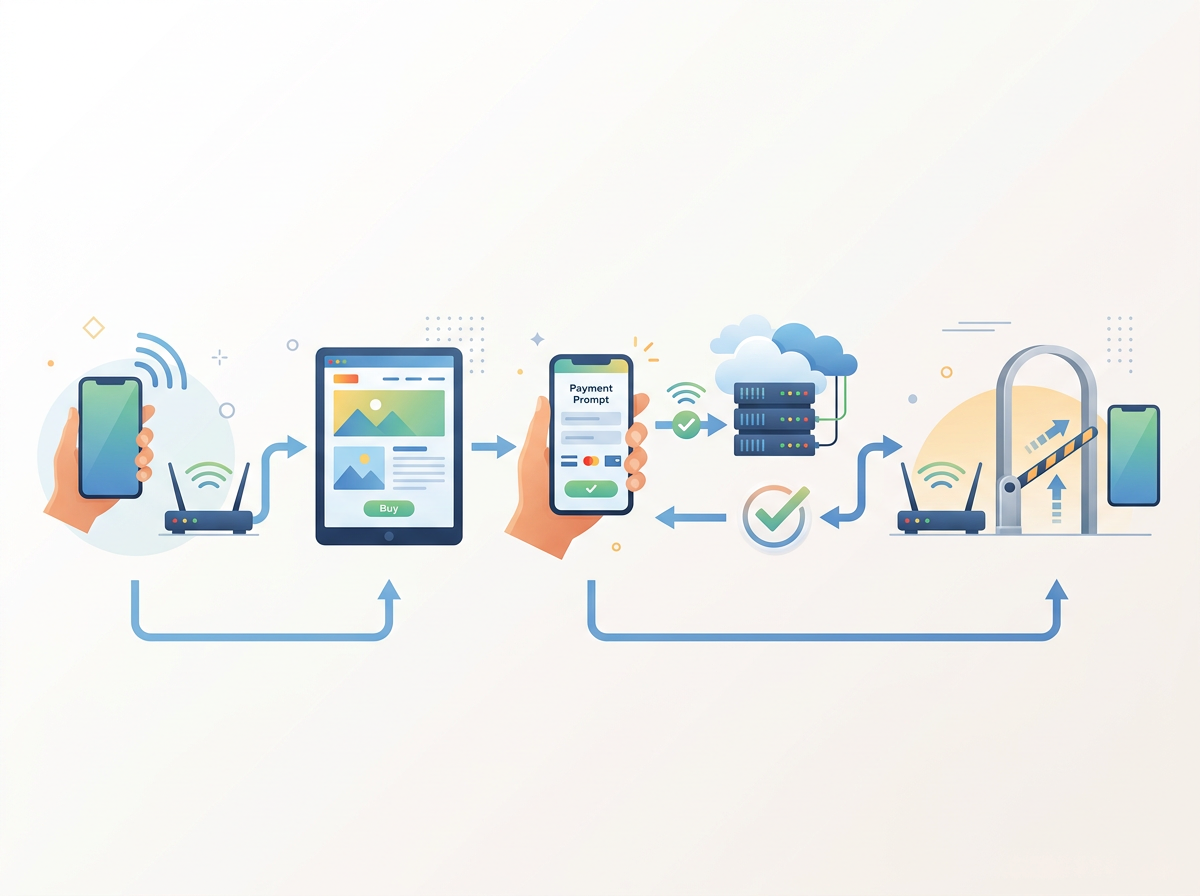
Before touching any settings, it helps to picture what happens in the 20 to 60 seconds after a customer joins your WiFi.
- The customer connects to the open SSID. The router holds the device in a walled garden, so it can reach only the portal and the payment domains.
- The phone's browser is redirected to your captive portal page.
- The customer picks a package and enters their phone number.
- The gateway sends a mobile money prompt (for example an M-Pesa STK push) to that phone.
- The customer approves with their PIN.
- The gateway sends a confirmation callback to your billing system.
- The billing system matches the payment to the pending session, creates or activates the user, and tells the router to let that device through.
- The portal page refreshes and the customer is online.
Every "my customer paid but is still blocked" complaint is a break somewhere between steps 5 and 7. Design for that gap from the start.
What you need before you begin
- A MikroTik router (or another NAS) with Hotspot capability. MikroTik's hotspot feature is the usual choice for small and medium operators. See /blog/mikrotik for the basics.
- A payment account that can send API-initiated prompts. A plain till or paybill number without API keys can receive money, but it cannot trigger a prompt on the customer's phone. Whether you use an API gateway or a keyless till or paybill affects how automatic the flow is. Compare your options on /billing/payment-gateways.
- A public URL for callbacks. The gateway must be able to reach your billing system over the internet.
- Defined packages. Time, data or speed-based plans, each with a price the customer can pay in one step.
Step 1: Prepare the router
Provision the router so it talks to your authentication layer rather than keeping a local user list. With a RADIUS-backed setup, the router asks the server whether a device may connect, and the server answers based on what the customer has paid for. This is what lets a payment change a customer's access without anyone logging in to the router. The background is in /blog/mikrotik-radius-server and the setup walkthrough in /blog/mikro-tik-radius-billing-system-setup.
In Centipid Billing, routers are provisioned from the platform itself; the steps are on /network/router-provisioning. Pay attention to the walled garden here: if your gateway's payment or status domains are not reachable before login, the prompt flow can stall even though the portal loads.
Step 2: Define the packages customers will buy
A portal that sells instantly needs packages that are simple to choose on a small phone screen. Decide:
- the unit of access (minutes, hours, days or a data allowance),
- the speed limit per package,
- the price in local currency,
- how many devices a purchase covers.
Keep the list short. Three or four options convert better than a long table, and fewer packages mean fewer support questions. Package setup is covered on /network/packages, and pricing strategy for time-based plans is discussed in an existing article, Best Captive Portal Software for Selling Hourly and Daily WiFi Packages, so this guide does not repeat it.
Step 3: Connect the mobile money gateway
The gateway choice depends on your country and what you already hold:
- Kenya: Safaricom M-Pesa, plus till or paybill options. See /billing/payment-gateways/safaricom.
- Uganda, Ghana and elsewhere: MTN MoMo and Airtel Money. See /billing/payment-gateways/mtn-momo and /billing/payment-gateways/airtel-money.
- Nigeria and card-heavy markets: Paystack. See /billing/payment-gateways/paystack.
Centipid Billing supports M-Pesa, Airtel Money, Tigo Pesa, MTN MoMo, Paystack, cards and vouchers, and you can configure multiple gateways at once. Credentials differ per gateway; the field-by-field list is on /billing/payment-gateways/credentials-reference.
Two choices at this step shape the customer experience:
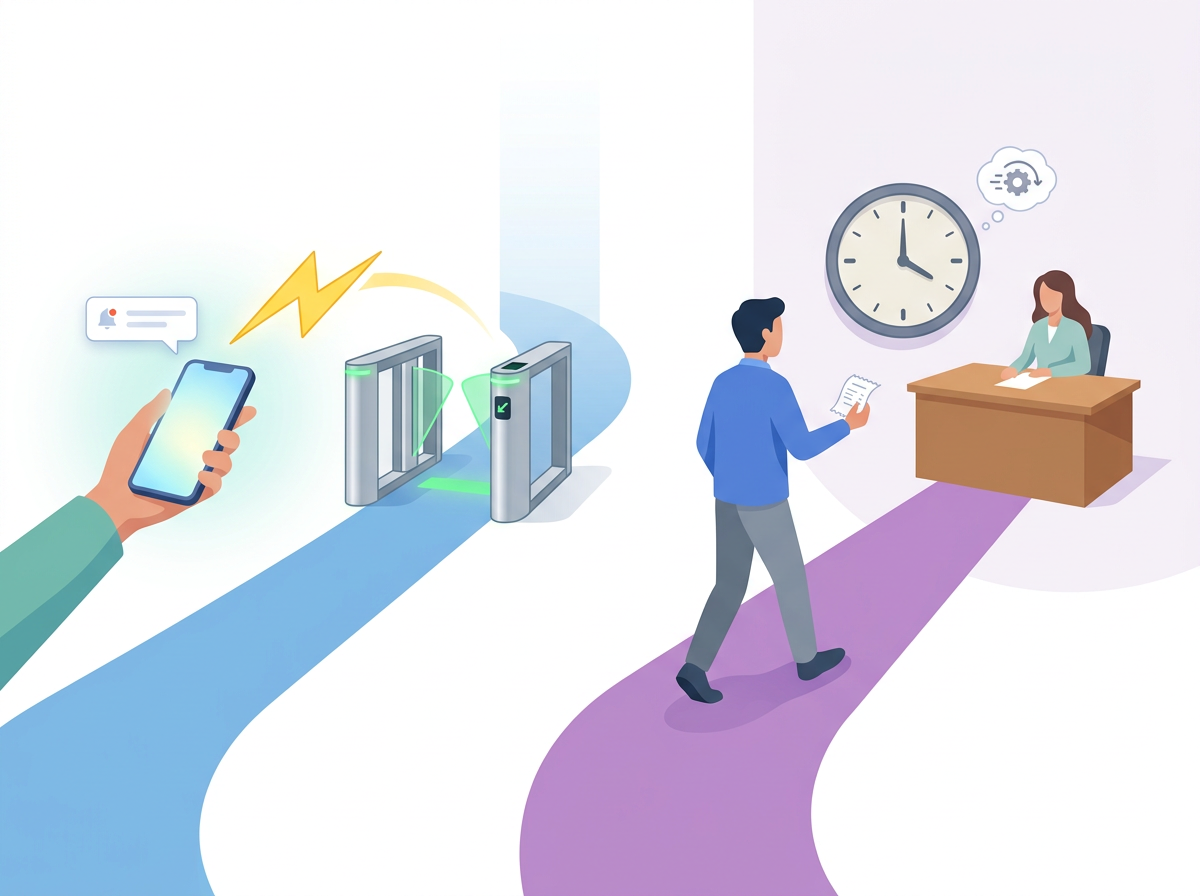
- API gateway: the customer types a phone number, gets a prompt, approves, and the callback releases access. This is the closest to "instant".
- Keyless till or paybill: the customer pays manually and your system matches the payment afterwards. It works, but the customer usually has to enter a reference or wait for matching, so it feels slower. See /billing/payment-gateways/till-number and /billing/payment-gateways/paybill.
Step 4: Build and brand the portal page
The portal is the page the router redirects to. For mobile money, keep it lean:
- package cards with clear prices,
- one phone number field with the correct country format,
- a single pay button,
- a short status message while the prompt is pending ("Check your phone and enter your PIN"),
- a voucher field for customers who bought a code from an agent.
Avoid heavy images and scripts. Customers are loading this page on a connection that is not yet fully open. Centipid Billing includes custom captive portals and promo banners, described on /network/captive-portal and /communications/promo-banners.
Step 5: Make activation automatic
This is where "instantly" is won or lost. When a confirmed payment arrives, the system should:
- match it to the pending purchase,
- activate the package with its time, data or speed limits,
- release the device on the router,
- record a receipt.
In Centipid Billing a confirmed payment automatically renews and reconnects the subscriber, so no one on your team has to approve it. The reconnection side of this is covered in detail in Software That Automatically Reconnects Internet Customers After M-Pesa Payment, so here the point is only to confirm that it is enabled and tested before you go live.
Step 6: Plan for the failure cases
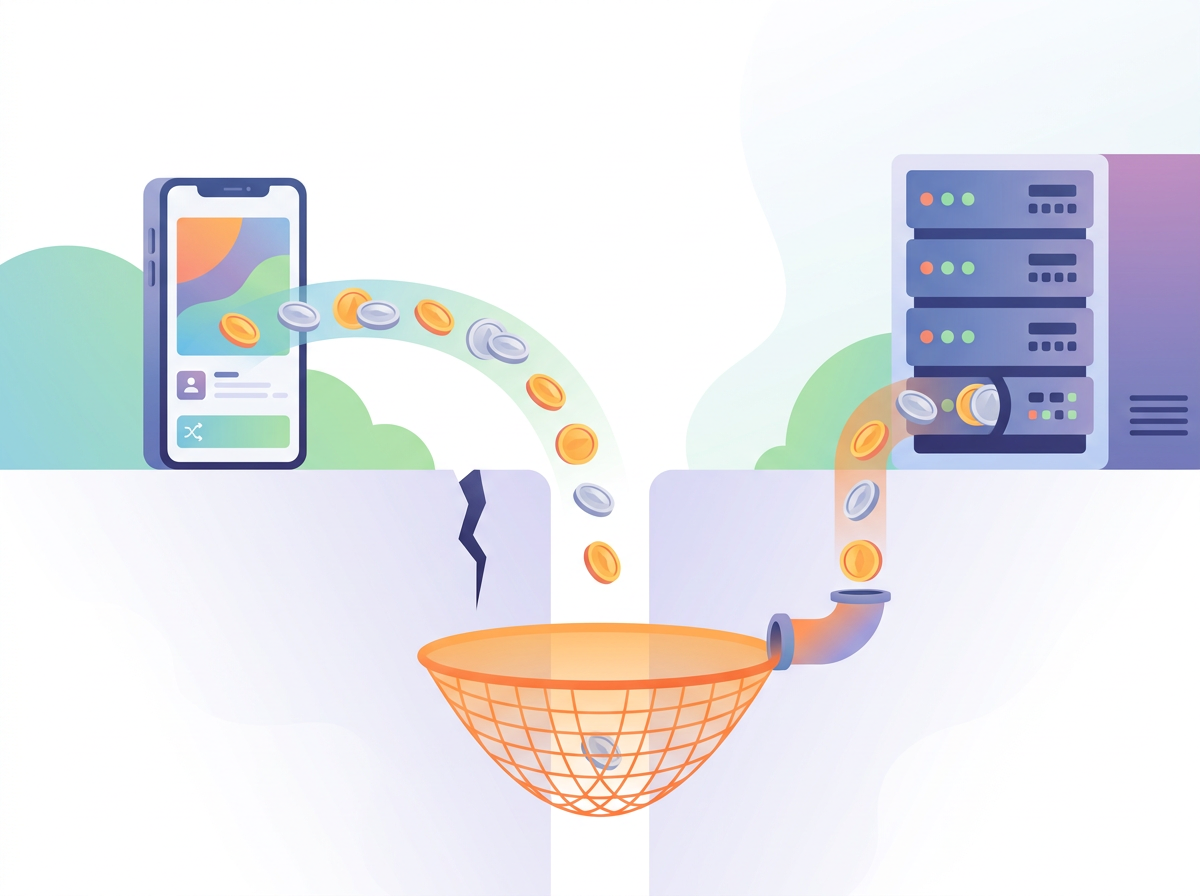
Most portals work on a quiet afternoon. They fail under real conditions. Test each of these before launch:
- Customer enters the wrong number. The prompt goes to someone else, and your customer waits. Show a clear retry option.
- Customer ignores or cancels the prompt. The pending session should expire cleanly, not block a second attempt.
- Callback is delayed or lost. Money has left the customer's account but your system never heard. A reconciliation process that recovers missed callbacks matters here. Centipid matches payments by account reference, phone number or invoice, merges duplicate receipts and holds unmatched payments for staff to claim. Details are on /features/payment-reconciliation.
- Customer pays twice. Duplicate receipts should merge rather than create two sessions.
- Gateway is down. Give customers a fallback such as a voucher from an agent. See /network/vouchers and /network/voucher-agents.
When something does go wrong, /billing/payment-gateways/troubleshooting and /network/troubleshooting are the first places to look.
Step 7: Run a live test, then a small launch
A reliable test sequence:
- Join the SSID from a phone that has never connected before.
- Confirm the portal opens automatically, including on iOS and Android.
- Buy your cheapest package with a real mobile money account.
- Time the gap from PIN approval to working internet.
- Check the session appears in live sessions and the receipt in payments.
- Let the package expire and confirm the device is blocked again.
- Repeat with a failed payment.
Only then open the network to customers. Centipid offers a 14-day free trial of the full product with no card required, which is enough time to run this sequence on a real router.
What it costs
On Centipid Billing the Hotspot plan is 3% of the hotspot revenue Centipid confirms in a month, so a month with no sales costs nothing. Routers, staff accounts and vouchers are not metered. Full details are on /pricing.
Common mistakes to avoid
- Selling access before the walled garden includes the gateway's domains.
- Using a manual paybill and expecting instant release.
- Offering too many packages on a small screen.
- Having no plan for unmatched payments.
- Skipping a test on both Android and iPhone.
Frequently asked questions
Can I build a mobile money captive portal without coding?
Yes. A billing platform with a built-in portal and gateway connectors lets you configure packages, payment credentials and branding from a dashboard rather than writing your own callback handler.
Why is the payment confirmed but the customer still offline?
Usually the callback did not reach your system, or the payment could not be matched to a pending session. Check the gateway logs and your unmatched payments list, then see the payment troubleshooting guide.
Do I need RADIUS for a captive portal?
Not strictly, but RADIUS lets payments control access centrally across one or many routers without editing each router. It is the cleaner choice as you grow.
Which is faster, an API gateway or a till number?
An API gateway, because the prompt and confirmation are automated. A till or paybill without API keys relies on matching afterwards.
What if a customer has no smartphone prompt available?
Offer vouchers sold through agents or shops. The customer enters the code on the portal and gets access without a mobile money prompt.
Can I support more than one mobile money provider?
Yes. Centipid Billing includes multiple payment gateways on every plan, so you can offer, for instance, M-Pesa and Airtel Money side by side.